Online booking for database administrators
As a freelance database administrator, your time goes to clients who need a slow query fixed, a migration planned or a backup strategy checked. Let them book the first call, the health check review or the next maintenance window online, instead of trading emails across time zones — €5/month, everything included.
€5/month
Everything included. No commission, no catch.

Made for database administrators who'd rather be working
Really simple.
Add your services. Open your hours. Share your link. That's the whole setup — no training, no sales call.
€5 a month. Full stop.
One plan, everything in it. No commission on your bookings, however many you get.
All your services.
Discovery call, Database health check: review meeting, Planned maintenance window, Query and index tuning session, Team training session (per person). Each one gets its own price and duration.
Example services for database administrators
| Service | Duration | Price |
|---|---|---|
| Discovery call | 30 min | Free |
| Database health check: review meeting | 1 h 30 | €180 |
| Planned maintenance window | 2 h | €220 |
| Query and index tuning session | 1 h | €120 |
| Team training session (per person) | 3 h | €90 |
Examples only — you set your own services, durations and prices.
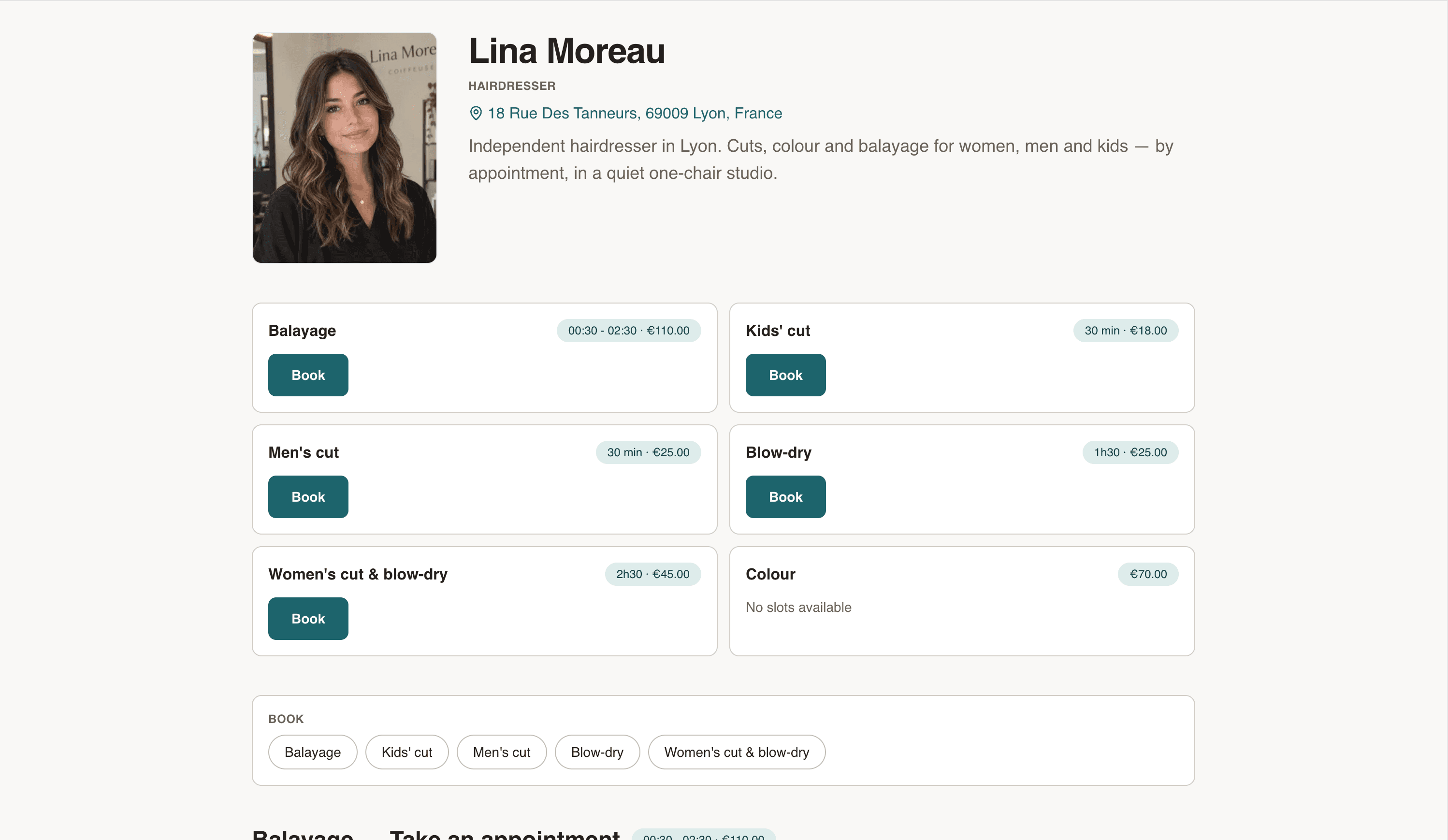
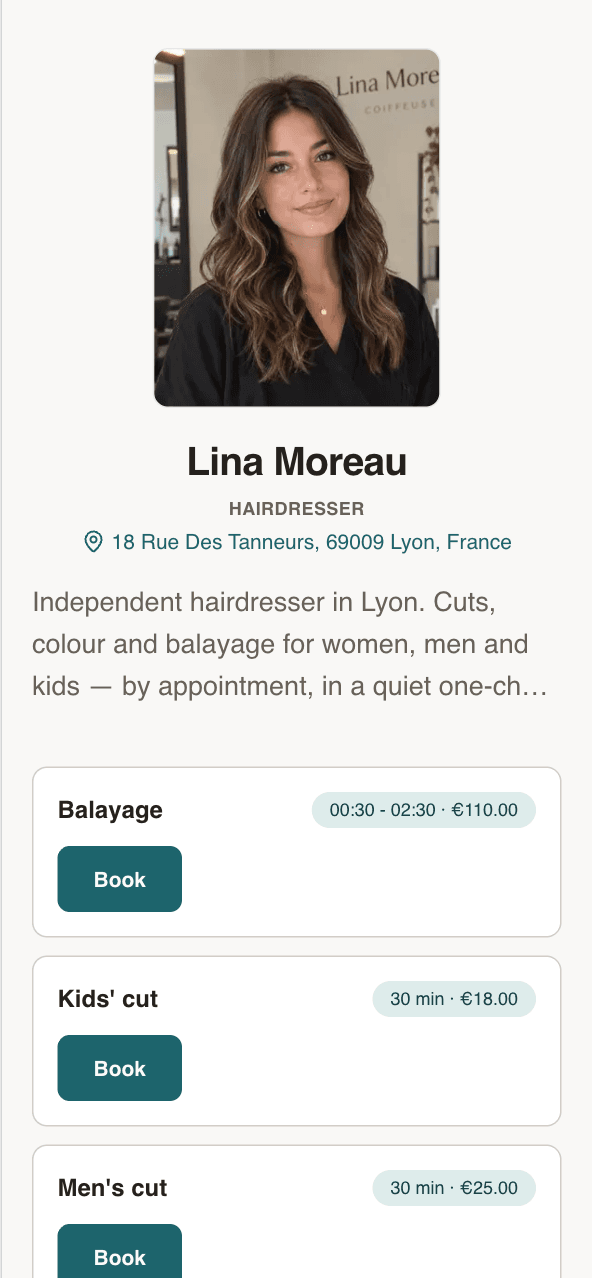
Your own booking page
Your name, your address, your services. Clients see the price before they book.
- Every service with its price and duration
- Next free slots, right on the page
- Works on any phone. No app to install.
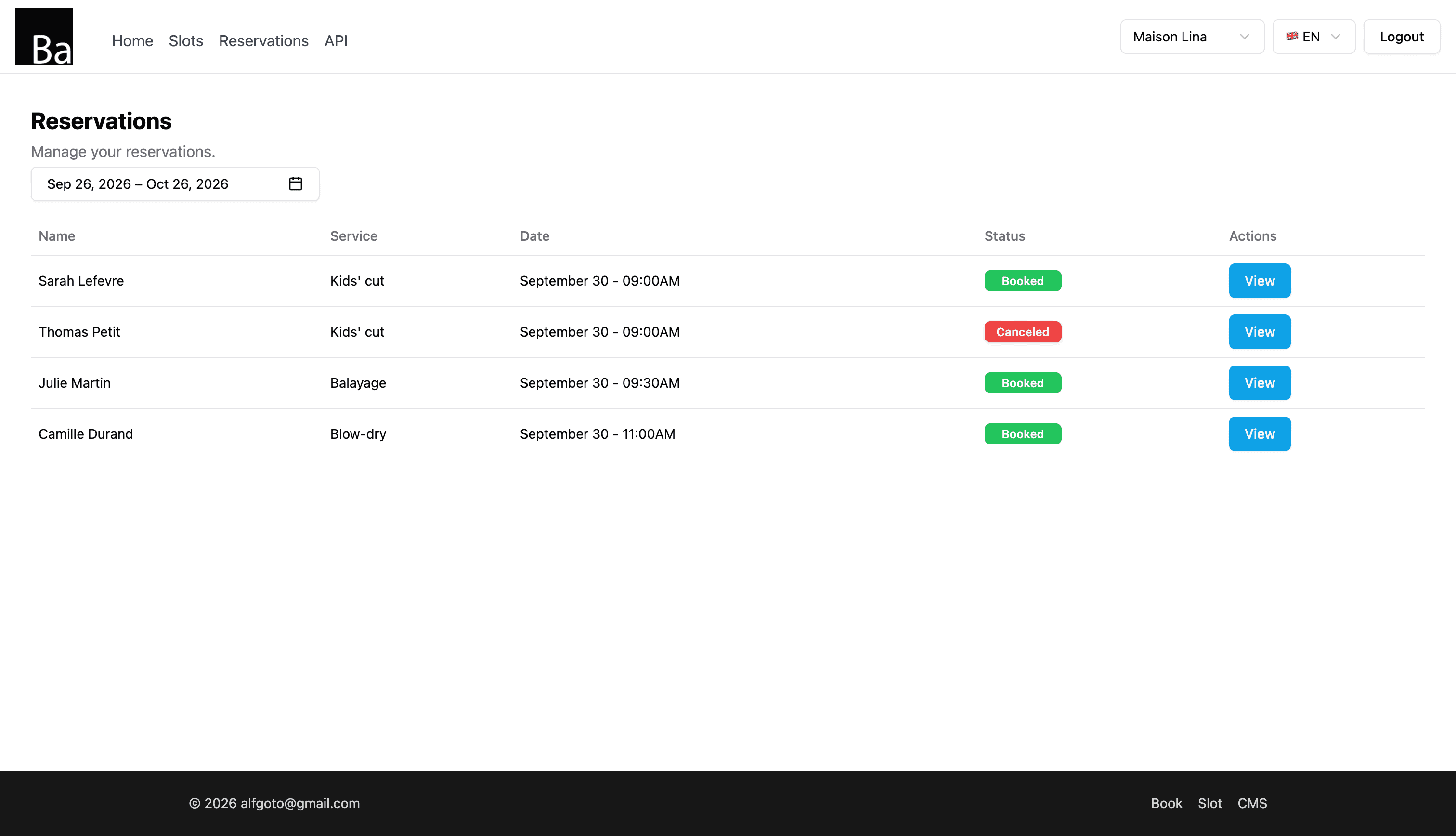
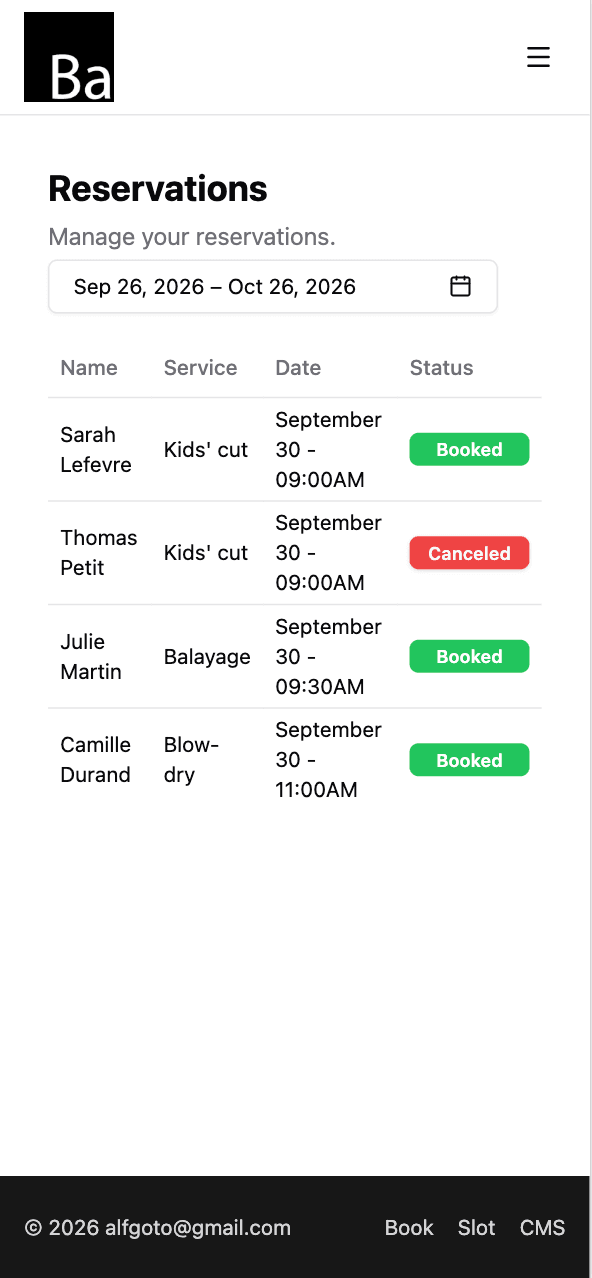
Every booking in one list
Who, which service, what time. Open one to move it or cancel it.
- Reschedule or cancel in two taps
- Add walk-ins and phone bookings yourself
- Syncs with Google Calendar, iPhone and Mac
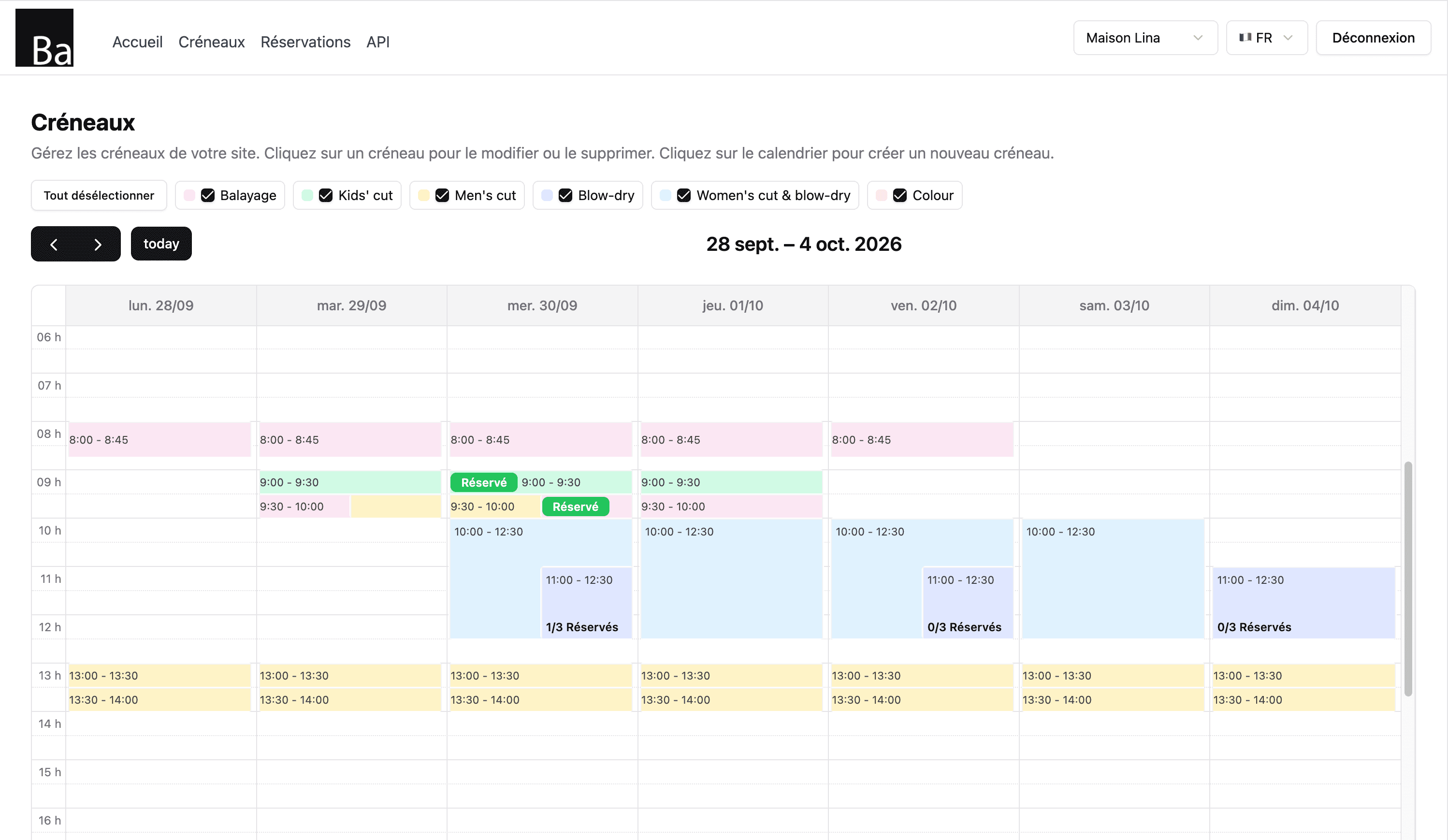
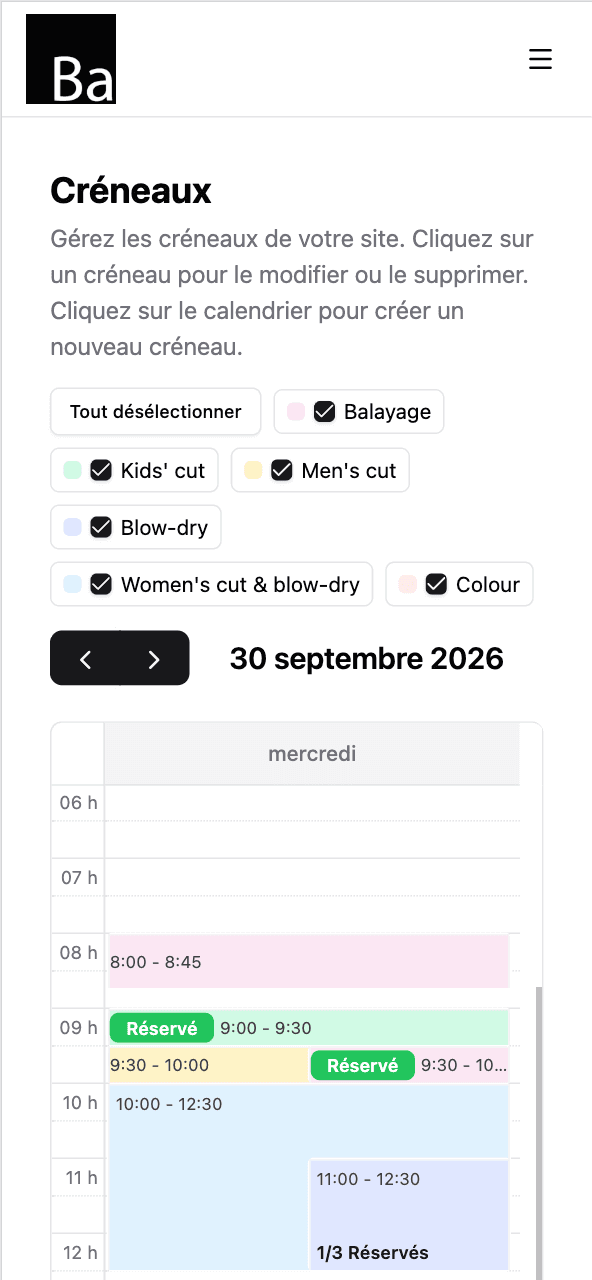
Set your hours once
Tap the calendar to open a slot. Repeat it every day you work. Done for the month.
- Repeat slots by day of the week
- One colour per service
- Day off? Delete the slots. That's it.
Up and running tonight
- 1
Sign up and pay €5.
Email, password, card. Two minutes.
- 2
Add your services and hours.
Discovery call, Database health check: review meeting, Planned maintenance window — each with a price and a duration. Then open your slots.
- 3
Share your link.
On Instagram, Google Maps, your shop window. Bookings start coming in.
What a freelance DBA can put on a booking page
An employed DBA works through the company's own tools and tickets. A freelance or consulting DBA is different: you juggle several clients, each with its own stack, and a lot of the week goes into agreeing on times. A booking page takes that part off your plate for the work that fits in a calendar slot.
Typical services are a short discovery call to understand the problem, a review meeting to go through a health check or audit, a tuning session with the client's developers, a planned maintenance window for an upgrade or migration, and training for a team moving to a new database. Each one is a service with its own description and an optional price.
Maintenance windows and time zones
Maintenance usually happens outside business hours, and clients may sit in another country. Your page shows times in your business's time zone, with its name displayed, so a client in another region sees clearly which hour they are picking. Open maintenance windows only on the nights or weekends you are available, at the length the work takes.
Emergencies are not a booking-page job: keep your usual phone or on-call channel for incidents, and use Book for everything that can be planned.
Setting up your page
- Create your services: discovery call, health check review, tuning session, maintenance window, training.
- Open slots at the length each service takes. For a weekly slot, create it once and repeat it on the weekdays you choose until an end date.
- Use capacity for training: set the number of places, and each participant books one place until the session is full.
- Share the link in your email signature, on your website and in your proposals.
What your clients see
Clients book without an account, leave their name, email, phone and a note (the database engine, the version, what's wrong), and receive a confirmation email. You receive an email for each new booking. Reschedule or cancel from your bookings list and let the client know. Your calendar syncs with Google, iPhone or Mac.
Book doesn't invoice or take payments; it handles appointments. It costs €5/month, everything included: unlimited bookings and services, no commission, no contract.
One price. Everything in it.
€5/month
- Your own booking page
- Unlimited bookings
- Unlimited services
- Calendar sync — Google, iPhone, Mac
- Confirmation email for every client
No commission. No contract. Just a fair price from day one.
Start for €5/month