Online booking for flower and garden specialised sellers
Plenty of customers walk in, but some visits are better booked: the couple planning wedding flowers, the neighbour who wants garden advice, the group signing up for the wreath workshop, the customer collecting a big order before the holidays. Let them book those moments online, and keep the shop floor for everyone else — €5/month, everything included.
€5/month
Everything included. No commission, no catch.

Made for flower and garden specialised sellers who'd rather be working
Really simple.
Add your services. Open your hours. Share your link. That's the whole setup — no training, no sales call.
€5 a month. Full stop.
One plan, everything in it. No commission on your bookings, however many you get.
All your services.
Wedding flowers consultation, Garden design advice at the shop, Flower arranging workshop (per person), Christmas wreath workshop (per person), Large order collection slot, Plant health check (bring your plant). Each one gets its own price and duration.
Example services for flower and garden specialised sellers
| Service | Duration | Price |
|---|---|---|
| Wedding flowers consultation | 1 h | Free |
| Garden design advice at the shop | 45 min | €30 |
| Flower arranging workshop (per person) | 2 h | €45 |
| Christmas wreath workshop (per person) | 2 h | €40 |
| Large order collection slot | 15 min | Free |
| Plant health check (bring your plant) | 20 min | Free |
Examples only — you set your own services, durations and prices.
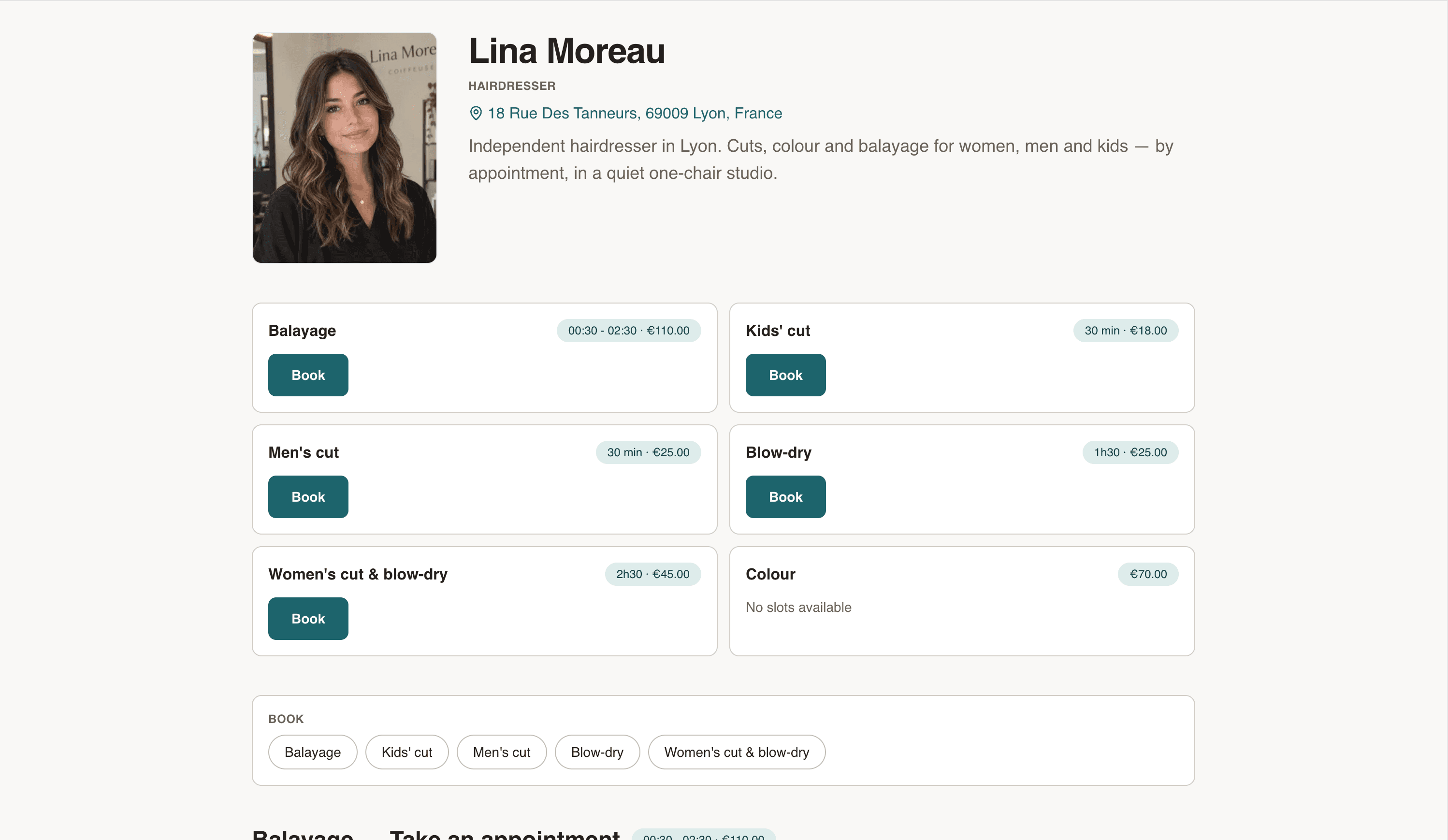
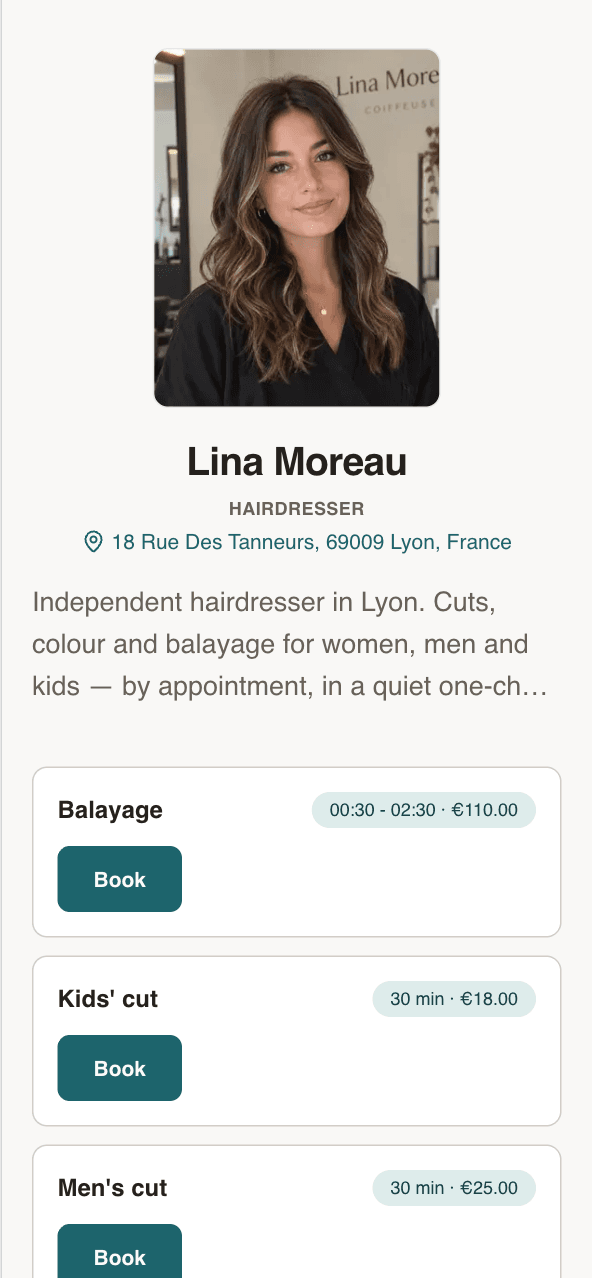
Your own booking page
Your name, your address, your services. Clients see the price before they book.
- Every service with its price and duration
- Next free slots, right on the page
- Works on any phone. No app to install.
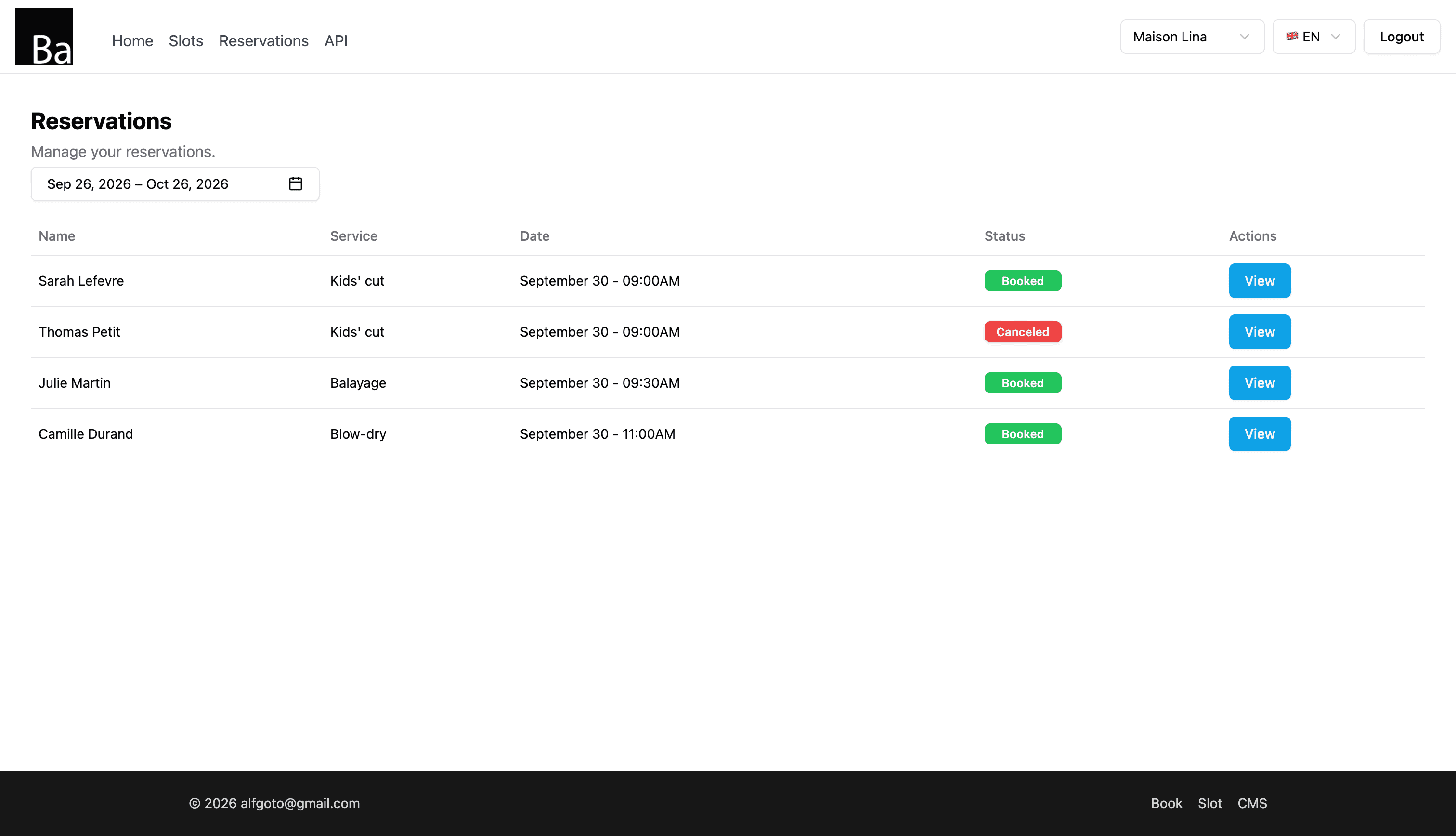
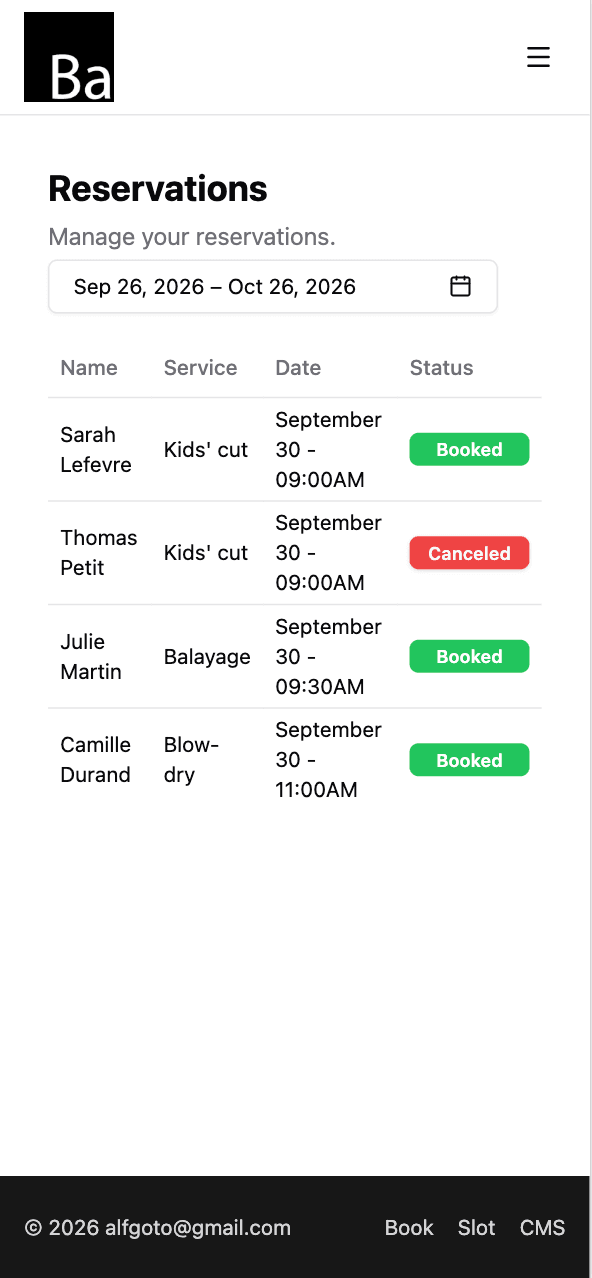
Every booking in one list
Who, which service, what time. Open one to move it or cancel it.
- Reschedule or cancel in two taps
- Add walk-ins and phone bookings yourself
- Syncs with Google Calendar, iPhone and Mac
Set your hours once
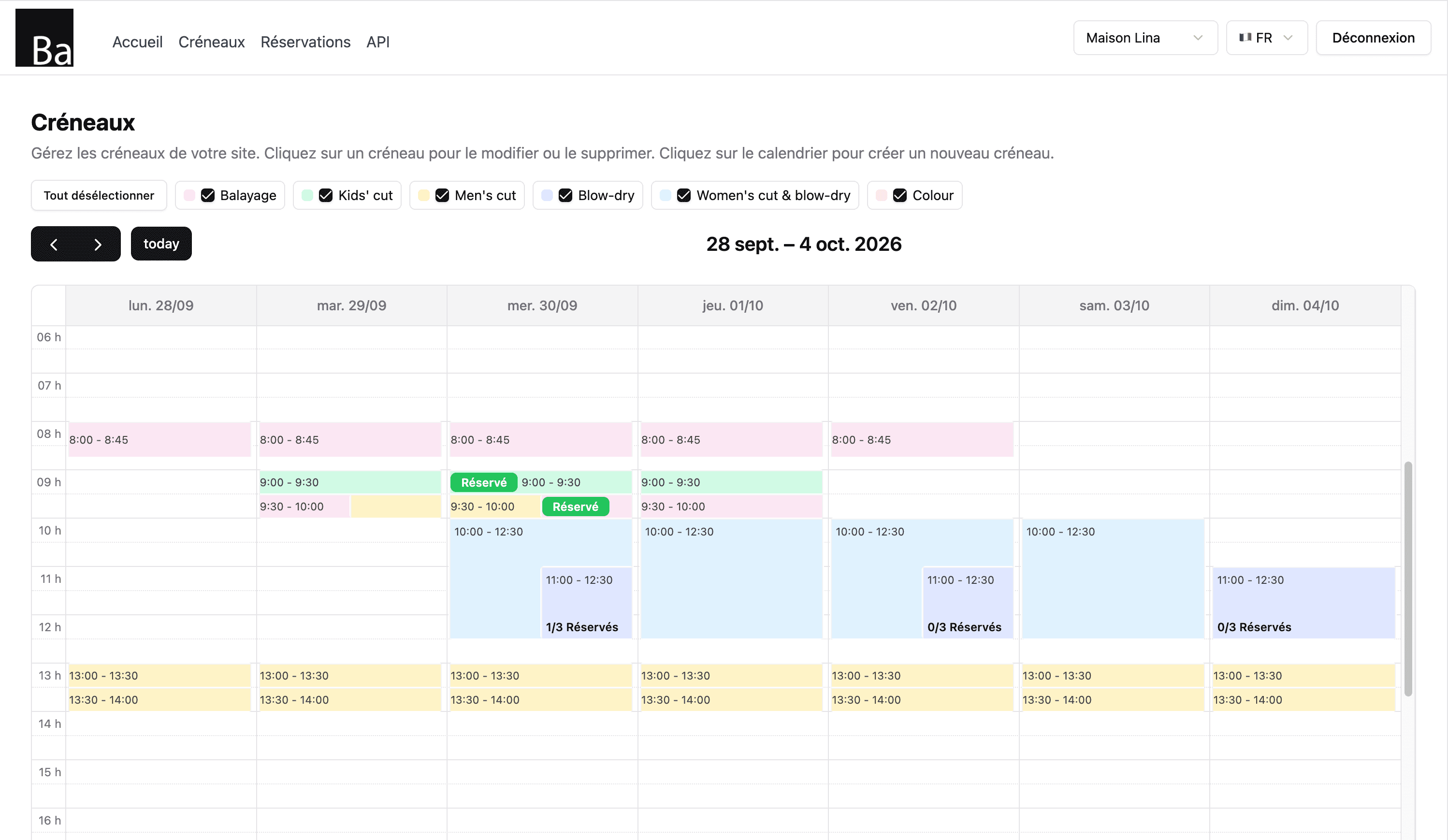
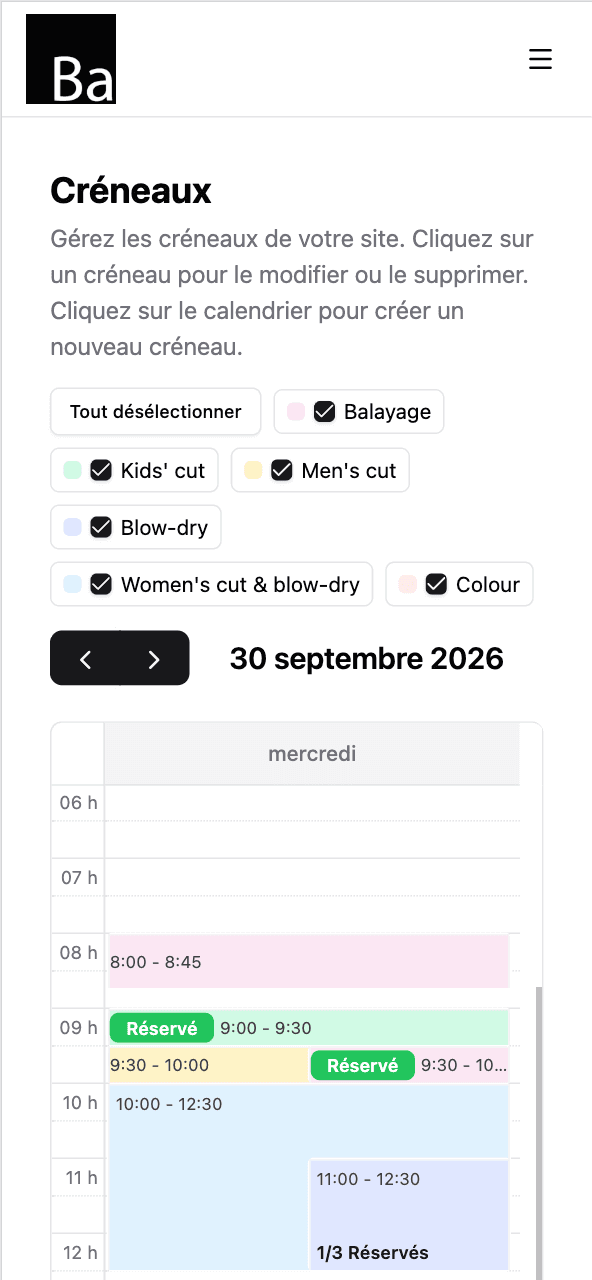
Tap the calendar to open a slot. Repeat it every day you work. Done for the month.
- Repeat slots by day of the week
- One colour per service
- Day off? Delete the slots. That's it.
Up and running tonight
- 1
Sign up and pay €5.
Email, password, card. Two minutes.
- 2
Add your services and hours.
Wedding flowers consultation, Garden design advice at the shop, Flower arranging workshop (per person) — each with a price and a duration. Then open your slots.
- 3
Share your link.
On Instagram, Google Maps, your shop window. Bookings start coming in.
What can be booked in a garden centre or flower shop
A garden centre or flower shop lives on walk-in customers, and that won't change. But around the counter, some moments are better planned: a consultation for wedding or event flowers, an advice session for a garden project, a workshop with a limited number of tables, the collection of a large order on a busy day before Valentine's Day, Mother's Day or Christmas.
When those are arranged by phone or on the shop floor, staff get interrupted during rush hours and customers wait. A booking page lets people pick their time in advance, and you know exactly who is coming.
Consultations, workshops and collection slots
On Book, each of these is a service with its own description and an optional price, and you open slots for each at the length it takes. Workshops can take several people: set the number of places to your tables, and each participant books one place until the workshop is full. For peak days, open short collection slots so customers pick up their order at a set time rather than all at once.
Use the description to say what to bring or prepare: photos of the garden, the wedding colours and date, or the order number for collection.
Setting up your page
- Create your bookable services: consultations, advice sessions, workshops, collection slots.
- Open workshop dates with the number of places, and consultations on quieter days.
- Add collection slots before busy holidays and remove them afterwards.
- Share the link on your website, social media and a sign by the till.
What changes in the shop
Customers book without an account and receive a confirmation email; you receive an email for each new booking. Reschedule or cancel from your bookings list and let the customer know. Your calendar syncs with Google, iPhone or Mac.
Book doesn't sell products, take orders or payments; it handles appointments and places. It gives one booking page per business, not a calendar per staff member. It costs €5/month, everything included: unlimited bookings and services, no commission, no contract.
Your page shows times in your business's time zone, with its name displayed. To fill a regular week quickly, create a slot once and repeat it on the weekdays you choose until an end date.
One price. Everything in it.
€5/month
- Your own booking page
- Unlimited bookings
- Unlimited services
- Calendar sync — Google, iPhone, Mac
- Confirmation email for every client
No commission. No contract. Just a fair price from day one.
Start for €5/monthQuestions flower and garden specialised sellers ask
Can I limit the places in a workshop?
Can customers book a time to collect an order?
Can I keep walk-in customers?
Do customers need an account?
How much does Book cost?
Also for creative pros
- Ceramicist
- Dressmaker
- Fashion designer
- Graphic designer
- Illustrator
- Interior designer
- Jewellery designer
- Musician