Online booking for event assistants
A planner needs an extra pair of hands for Saturday, a couple wants someone on the day to keep the timing, an agency needs support at a trade show. Let clients book your briefing calls, venue visits and event days online, from the dates you open, instead of sorting it all out by message — €5/month, everything included.
€5/month
Everything included. No commission, no catch.

Made for event assistants who'd rather be working
Really simple.
Add your services. Open your hours. Share your link. That's the whole setup — no training, no sales call.
€5 a month. Full stop.
One plan, everything in it. No commission on your bookings, however many you get.
All your services.
Briefing call, Venue visit with the client, Half-day event support, Full event day support, Guest reception and registration, Rehearsal or set-up day. Each one gets its own price and duration.
Example services for event assistants
| Service | Duration | Price |
|---|---|---|
| Briefing call | 30 min | Free |
| Venue visit with the client | 1 h 30 | €60 |
| Half-day event support | 4 h | €150 |
| Full event day support | 10 h | €300 |
| Guest reception and registration | 4 h | €140 |
| Rehearsal or set-up day | 4 h | €140 |
Examples only — you set your own services, durations and prices.
Your own booking page
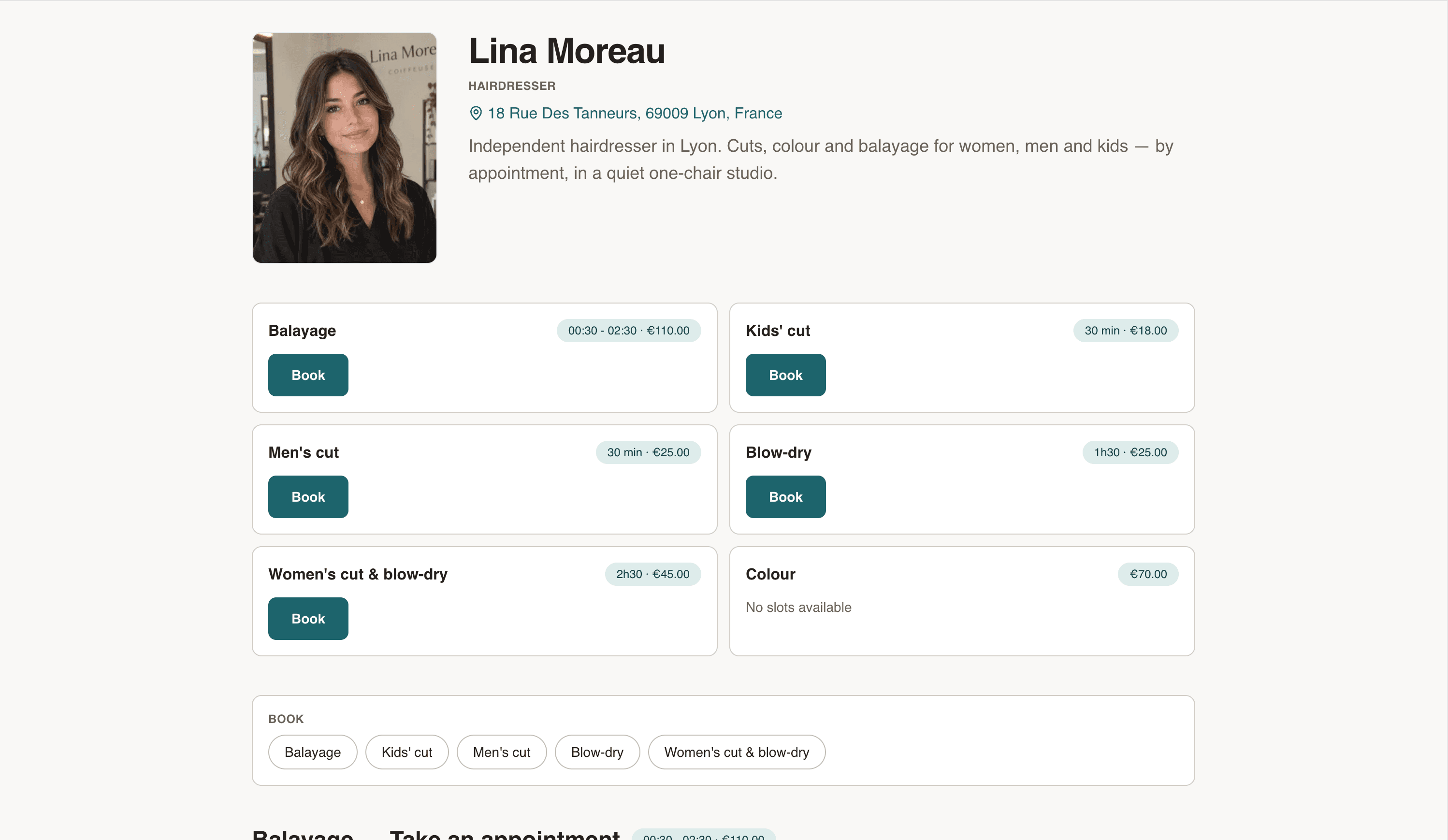
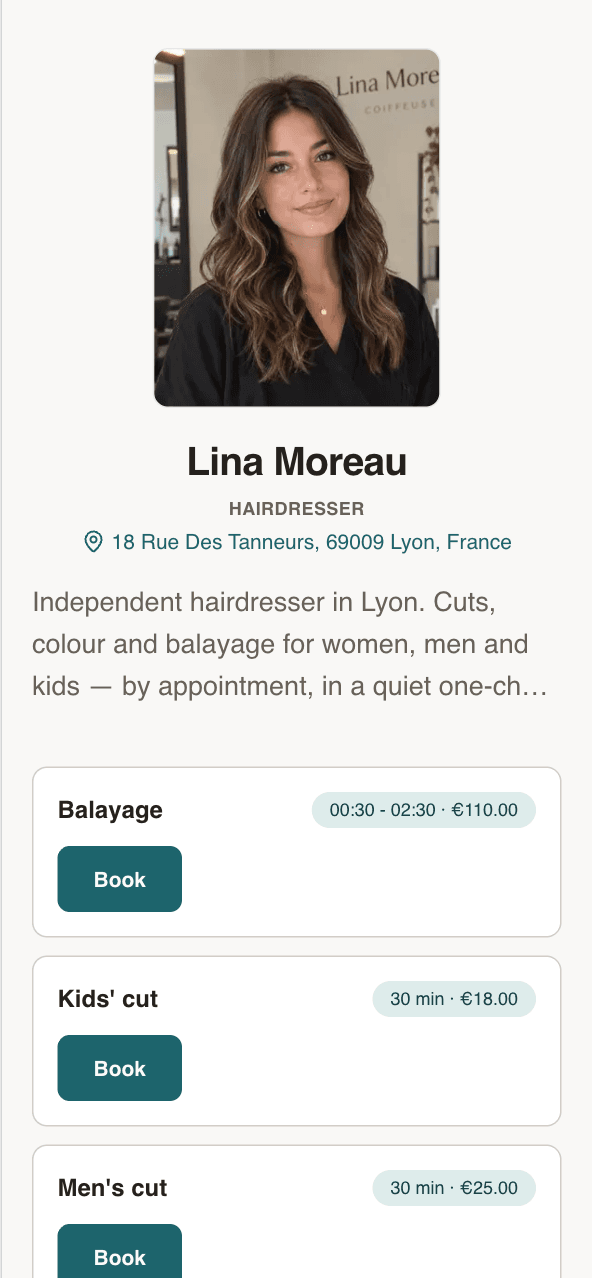
Your name, your address, your services. Clients see the price before they book.
- Every service with its price and duration
- Next free slots, right on the page
- Works on any phone. No app to install.
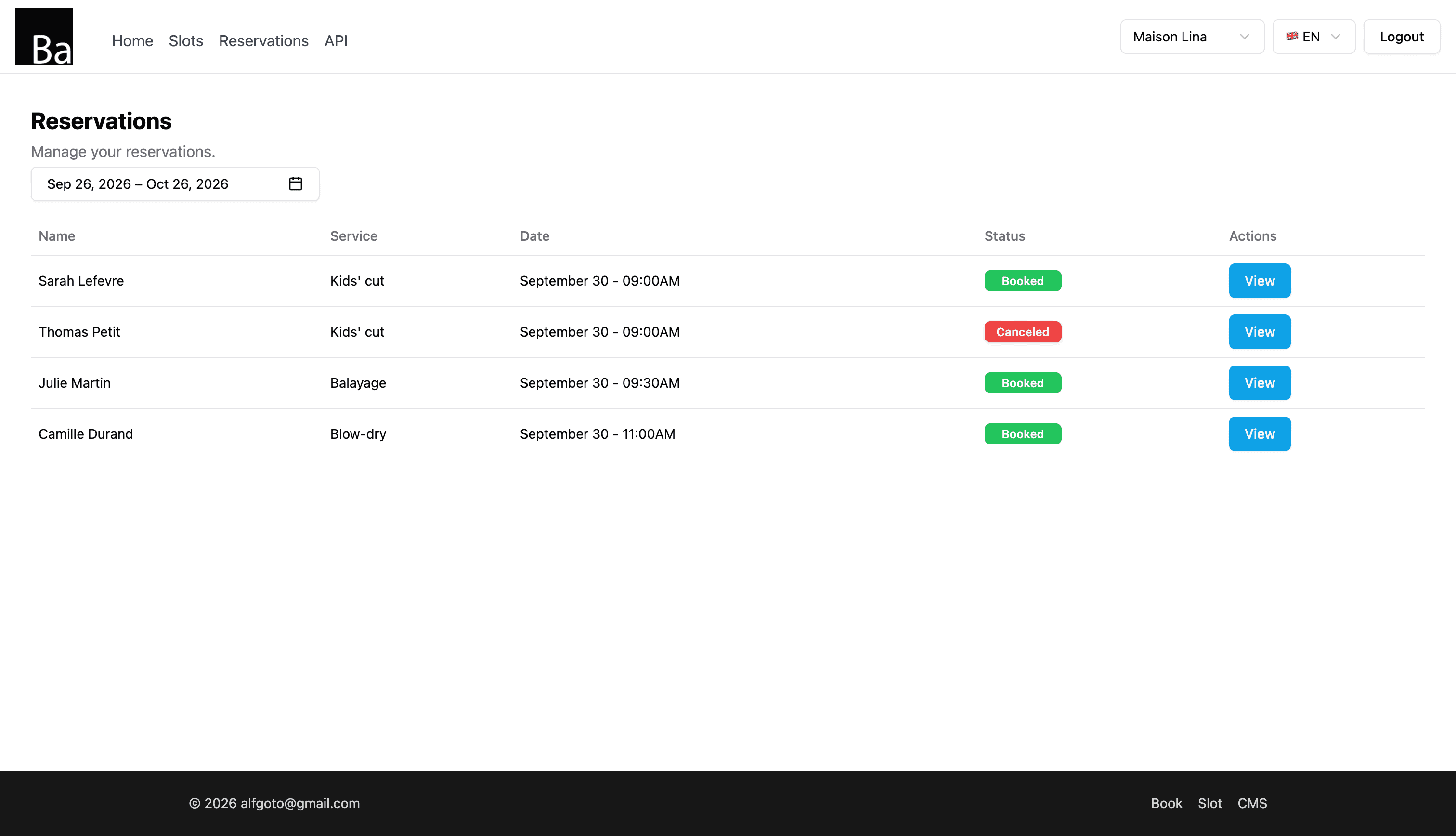
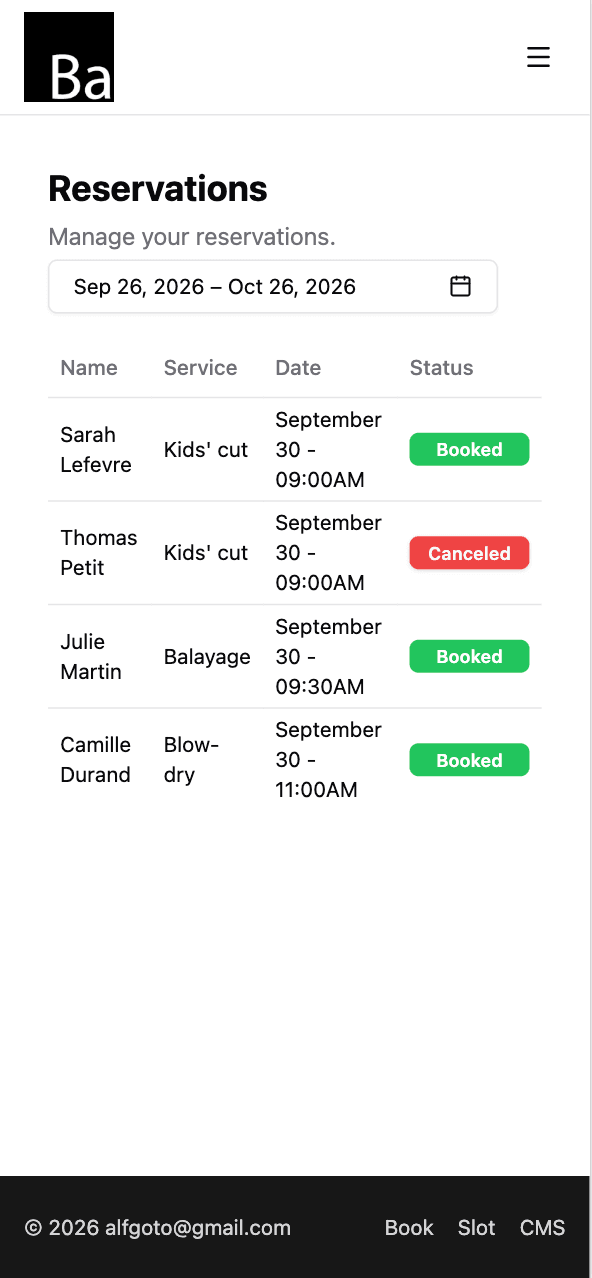
Every booking in one list
Who, which service, what time. Open one to move it or cancel it.
- Reschedule or cancel in two taps
- Add walk-ins and phone bookings yourself
- Syncs with Google Calendar, iPhone and Mac
Set your hours once
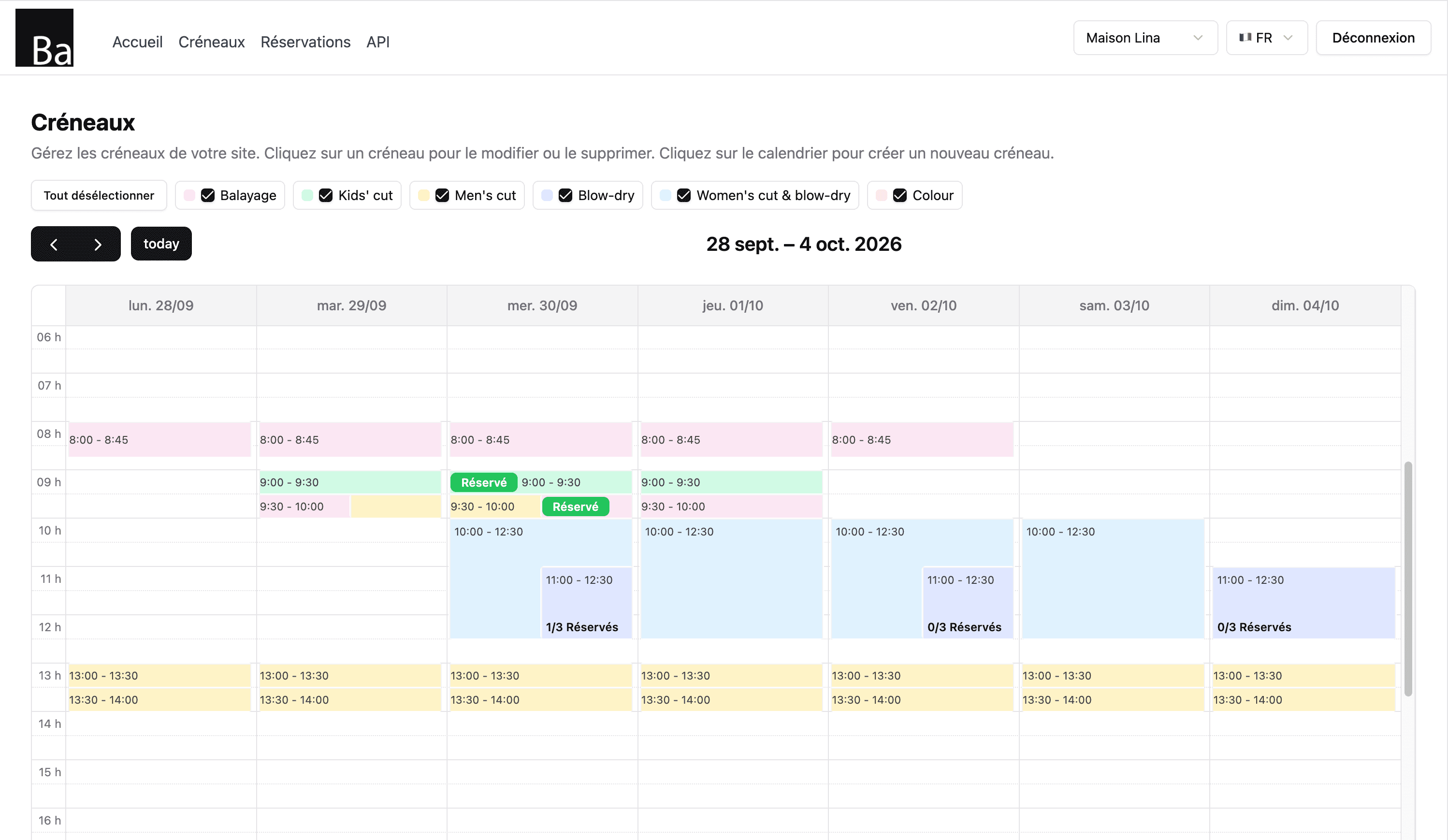
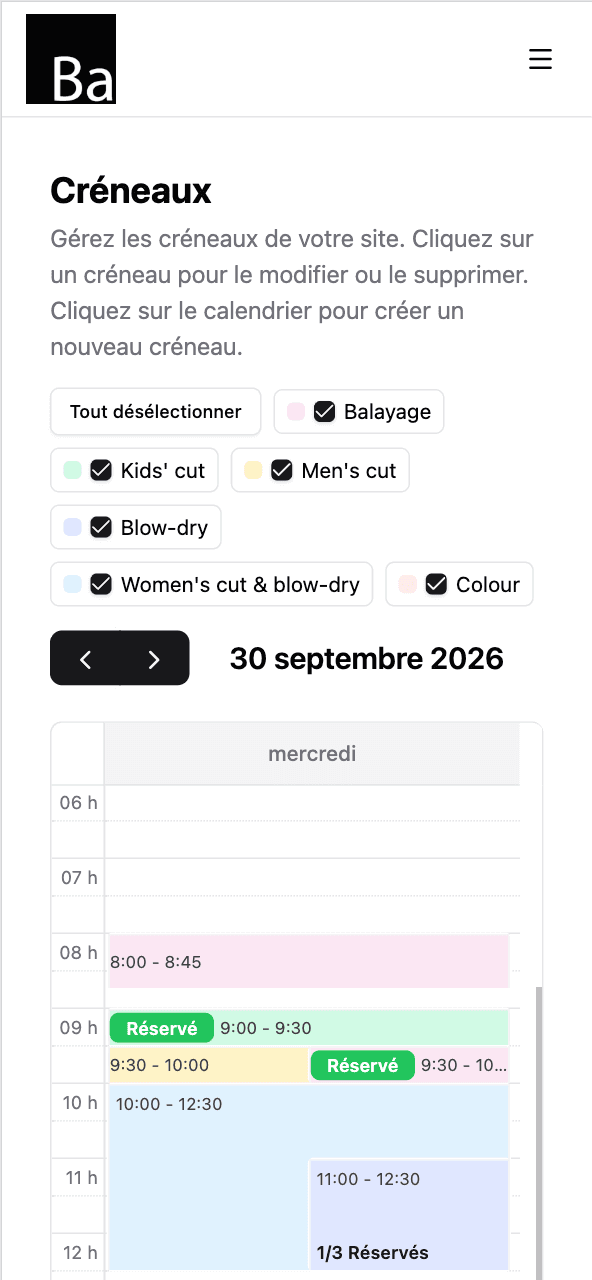
Tap the calendar to open a slot. Repeat it every day you work. Done for the month.
- Repeat slots by day of the week
- One colour per service
- Day off? Delete the slots. That's it.
Up and running tonight
- 1
Sign up and pay €5.
Email, password, card. Two minutes.
- 2
Add your services and hours.
Briefing call, Venue visit with the client, Half-day event support — each with a price and a duration. Then open your slots.
- 3
Share your link.
On Instagram, Google Maps, your shop window. Bookings start coming in.
How freelance event assistants get booked
Many event assistants work freelance, hired by planners, agencies, venues or directly by private clients for a wedding, a corporate evening, a conference or a trade show. Each booking starts with a conversation about the event, sometimes a visit to the venue, then one or several days on site: welcoming guests, managing registration, keeping the timing, coordinating suppliers.
Availability is the key question every client asks, usually by message. A booking page answers it: clients see the dates you still have open and book a briefing call or a day directly.
Calls, visits and event days
On Book, each type of engagement is a service with its own price and description, and you open slots for each at the length it takes. A slot sits within one day, so an event day or a half-day is one slot; a multi-day event is one slot per day, which the client books day by day or you book for them. Use the description to say what's included, your dress code, travel area and what you need from the client beforehand: running order, supplier contacts, venue access.
Once an event is confirmed by phone or email, book the days yourself from your calendar; they're no longer offered to anyone else.
Setting up your page
- List your services: briefing call, venue visit, half-day and full-day support.
- Open the dates you're available, especially weekends and event season.
- Ask for event details in the booking note: date, venue, type of event, number of guests.
- Share the link with planners, agencies and venues you work with.
Why it helps
Clients book without an account and receive a confirmation email; you receive an email for each new booking. Reschedule or cancel from your bookings list and let the client know. Your calendar syncs with Google, iPhone or Mac, so booked days show up next to everything else.
Book doesn't manage contracts, invoices or payments, and it isn't an event management tool; it handles your bookings. It costs €5/month, everything included: unlimited bookings and services, no commission, no contract.
Your page shows times in your business's time zone, with its name displayed. To fill a regular week quickly, create a slot once and repeat it on the weekdays you choose until an end date.
One price. Everything in it.
€5/month
- Your own booking page
- Unlimited bookings
- Unlimited services
- Calendar sync — Google, iPhone, Mac
- Confirmation email for every client
No commission. No contract. Just a fair price from day one.
Start for €5/monthQuestions event assistants ask
Can clients see which dates I'm free?
How do I handle a two-day event?
Can I get event details before the call?
Does Book send contracts or invoices?
How much does Book cost?
Also for event pros
- Disc jockey
- Event manager
- Hospitality entertainment manager
- Performance artist
- Stand-up comedian
- Street performer
- Wedding planner