Online booking for horse riding instructors
You're in the arena when riders call to book next week's lesson, and every group depends on how many horses are fit to work. With Book, riders book lessons by level, hacks and pony camps on your own booking page, with places matched to your horses. €5/month, everything included.
€5/month
Everything included. No commission, no catch.

Made for horse riding instructors who'd rather be working
Really simple.
Add your services. Open your hours. Share your link. That's the whole setup — no training, no sales call.
€5 a month. Full stop.
One plan, everything in it. No commission on your bookings, however many you get.
All your services.
Group lesson, beginners, Group lesson, intermediate, Private lesson, Hack in the countryside, Pony camp morning, Lesson on your own horse. Each one gets its own price and duration.
Example services for horse riding instructors
| Service | Duration | Price |
|---|---|---|
| Group lesson, beginners | 1 h | €25 |
| Group lesson, intermediate | 1 h | €28 |
| Private lesson | 45 min | €45 |
| Hack in the countryside | 2 h | €45 |
| Pony camp morning | 3 h | €40 |
| Lesson on your own horse | 45 min | €35 |
Examples only — you set your own services, durations and prices.
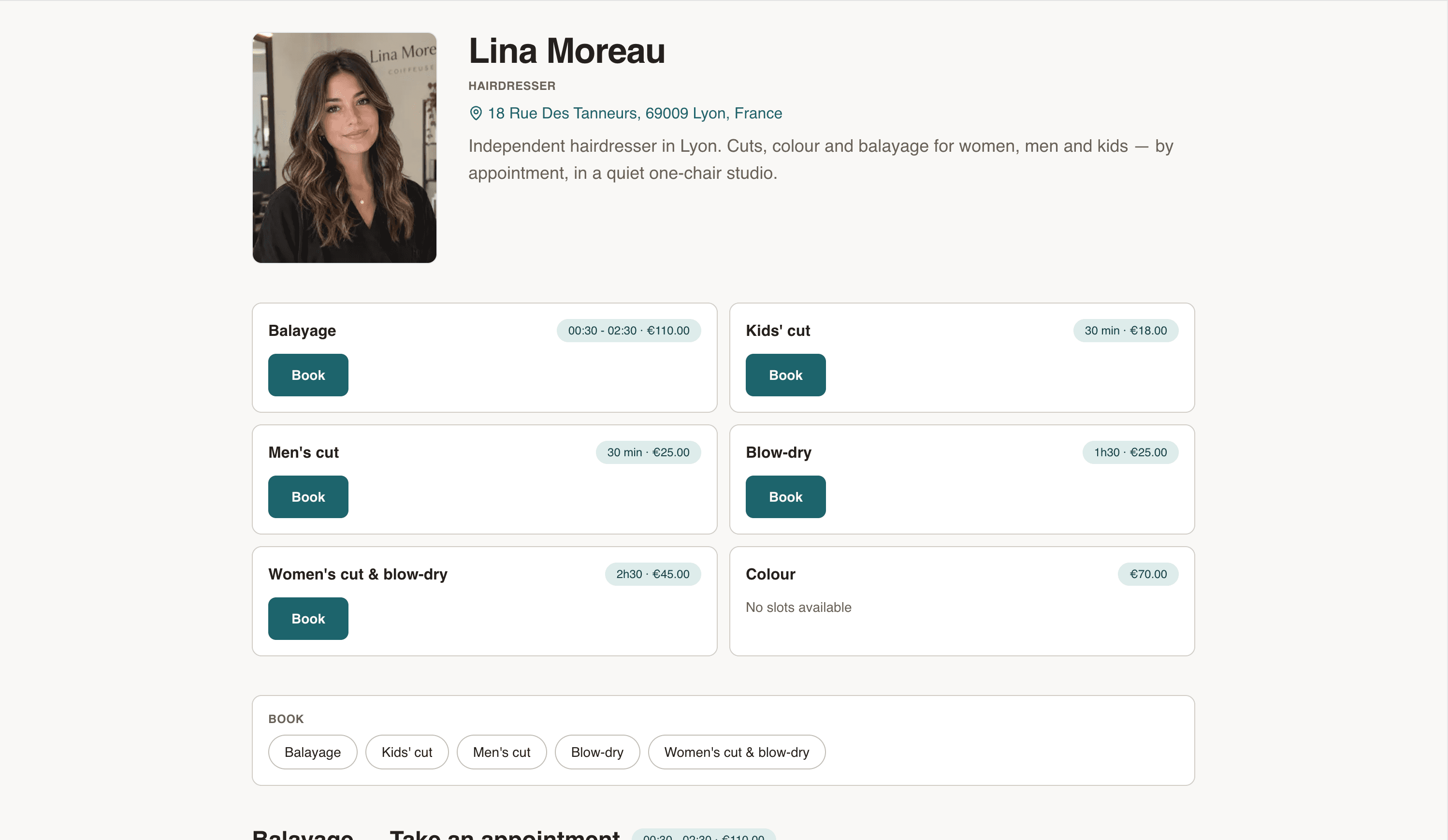
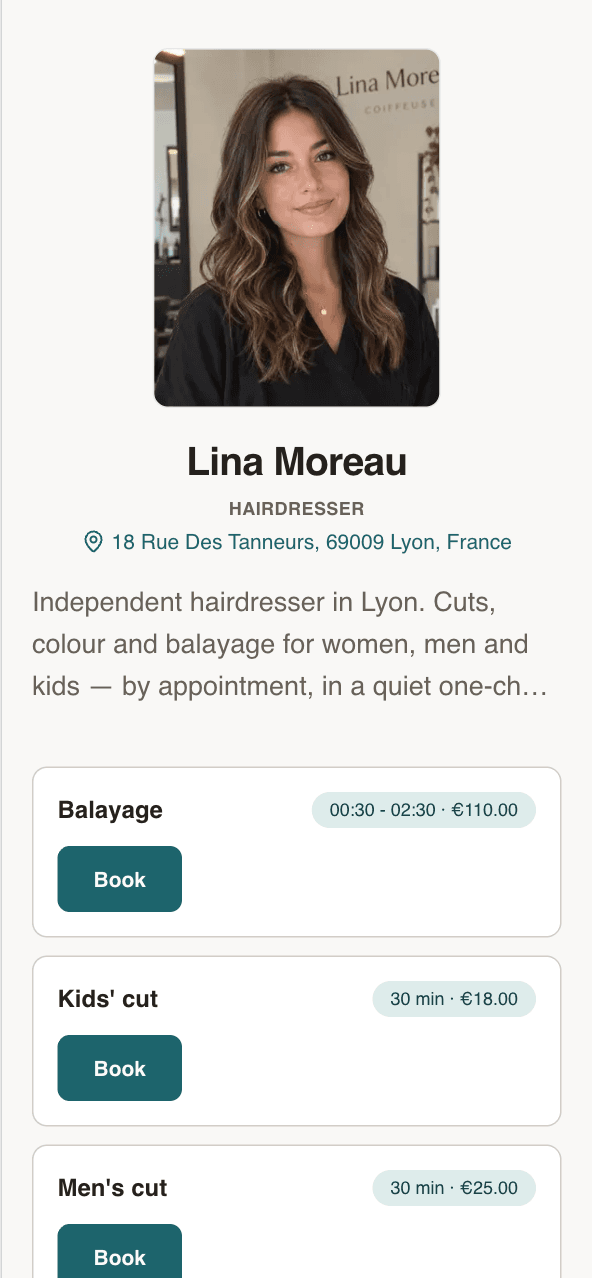
Your own booking page
Your name, your address, your services. Clients see the price before they book.
- Every service with its price and duration
- Next free slots, right on the page
- Works on any phone. No app to install.
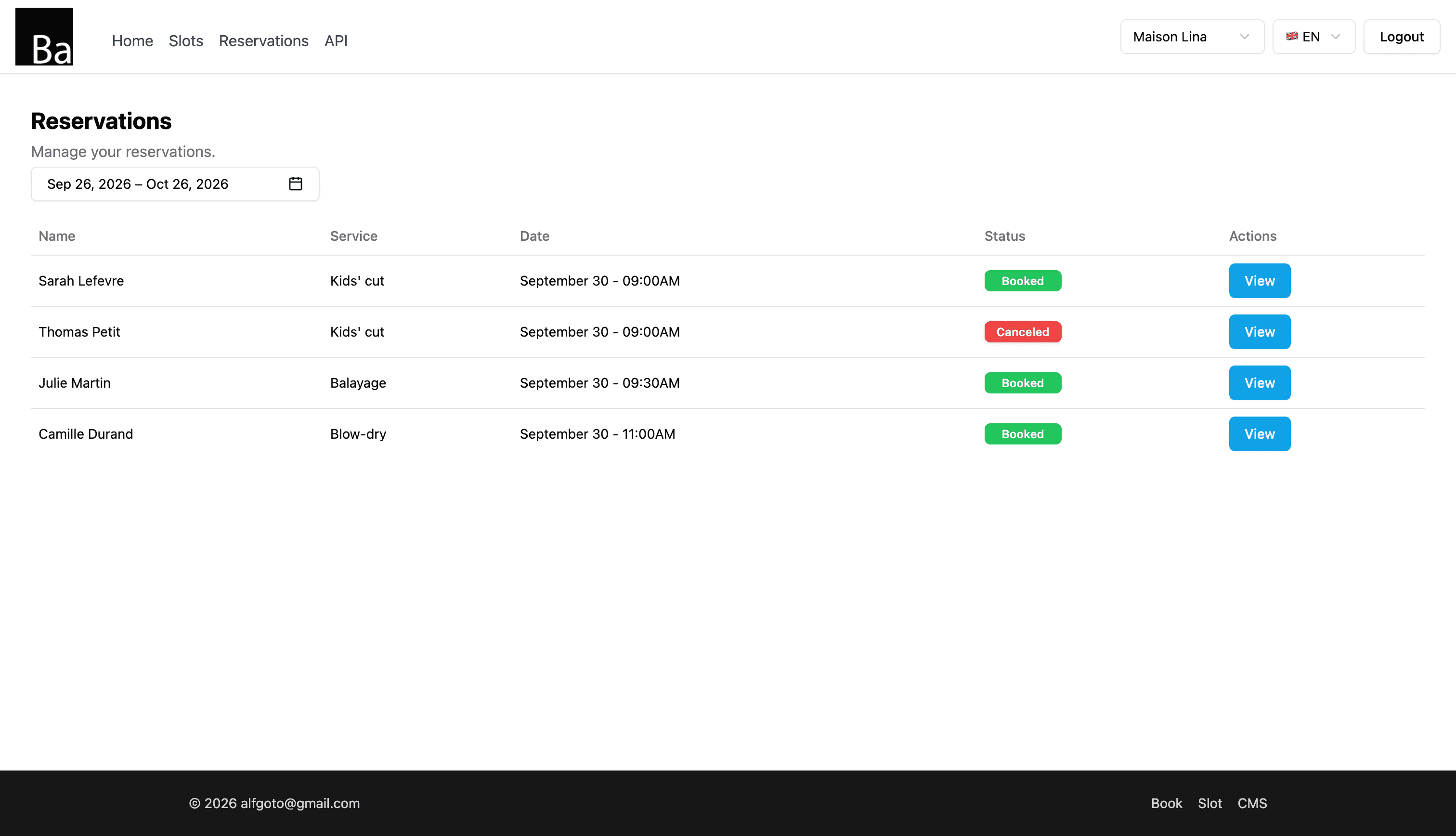
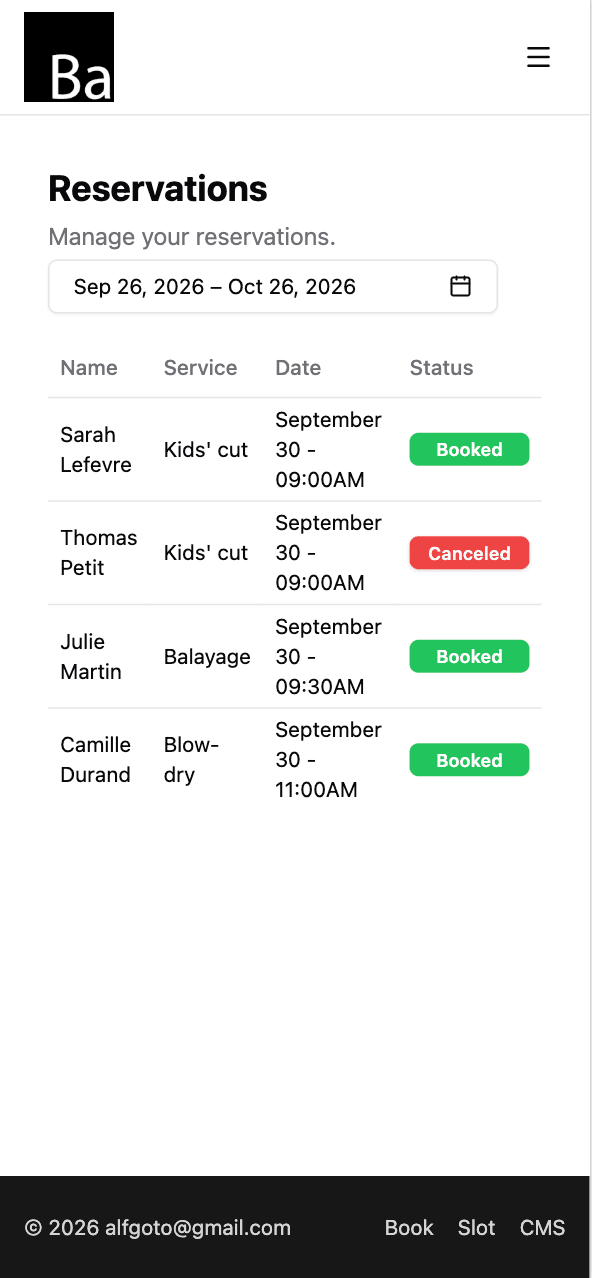
Every booking in one list
Who, which service, what time. Open one to move it or cancel it.
- Reschedule or cancel in two taps
- Add walk-ins and phone bookings yourself
- Syncs with Google Calendar, iPhone and Mac
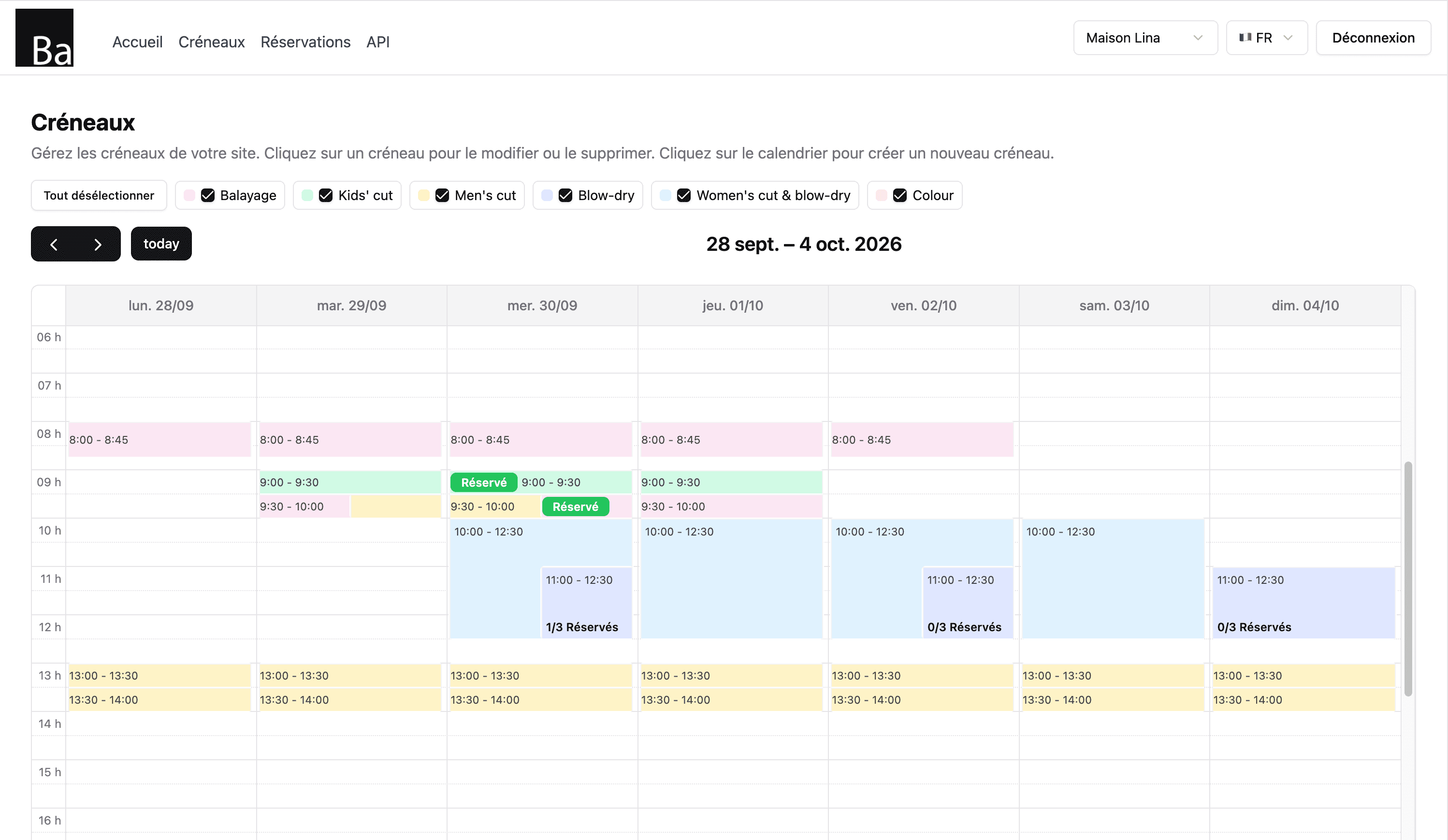
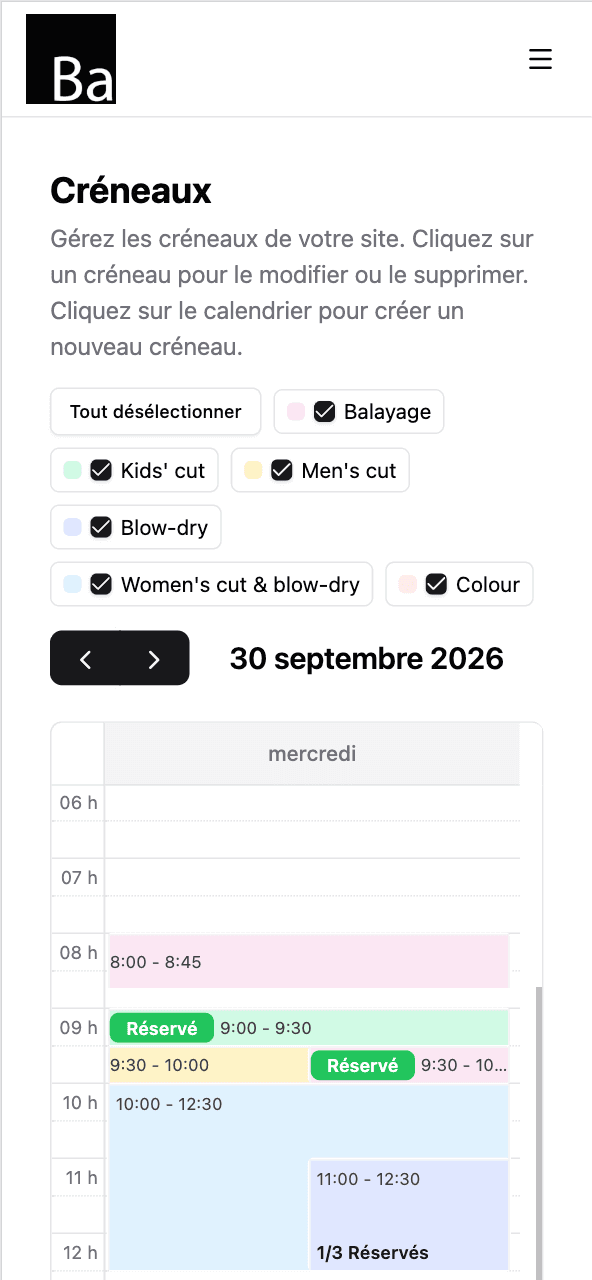
Set your hours once
Tap the calendar to open a slot. Repeat it every day you work. Done for the month.
- Repeat slots by day of the week
- One colour per service
- Day off? Delete the slots. That's it.
Up and running tonight
- 1
Sign up and pay €5.
Email, password, card. Two minutes.
- 2
Add your services and hours.
Group lesson, beginners, Group lesson, intermediate, Private lesson — each with a price and a duration. Then open your slots.
- 3
Share your link.
On Instagram, Google Maps, your shop window. Bookings start coming in.
Riding lesson booking software: what you set up
Book gives your yard one public booking page with your lessons, levels, prices and free times. Riders and parents book in a few clicks without an account, and every booking lands in one list and in your phone calendar. Setting it up takes a few minutes:
- Create one service per level and format, with what the rider should already be able to do, the minimum age and what to wear.
- Open slots with as many places as horses available, repeated each week until an end date.
- Share your link on your website, social profiles and the yard noticeboard.
- Sync your calendar with Google, iPhone or Mac.
Places matched to horses
Each slot has its own capacity: set it to the number of horses fit for that lesson. Each online booking takes one place, and a full lesson leaves your page. If a horse goes lame, lower the places for the coming lessons rather than turning a rider away at the gate.
Levels and weekly riders
Riders who keep the same weekly lesson can have the following weeks booked from your list after the first one; if you enter their email, they get a confirmation with a calendar file for each date. When a rider moves up a level, rescheduling works across services, so you move them to the next group.
Pony camps and holidays
A camp over several mornings is one slot per morning, since each slot sits within one day. Open the camp for the holiday dates only and book the following mornings for each child after the first booking. Parents write the child's age and riding experience in the note.
Weather and the arena
Say in the description what happens in bad weather, such as an indoor lesson or a stable management session instead. If a hack is cancelled, move or cancel the bookings and tell each rider yourself, since Book doesn't email clients about changes.
Several instructors
Book has one booking page per business and no staff field. Give each instructor their own services; slots of different services can overlap if you have two arenas.
What Book doesn't do
Book takes bookings only: no payments, no lesson cards, no horse allocation, no reminders. Riders can't move or cancel online: they contact you and you move the lesson.
Price
€5/month, everything included: unlimited services and bookings, no commission, no contract.
One price. Everything in it.
€5/month
- Your own booking page
- Unlimited bookings
- Unlimited services
- Calendar sync — Google, iPhone, Mac
- Confirmation email for every client
No commission. No contract. Just a fair price from day one.
Start for €5/monthQuestions horse riding instructors ask
Can I limit places to the number of horses?
How do I move a rider up a level?
Can I run pony camps over several days?
Can riders pay online?
Do riders need an account?
How much does Book cost?
Guides for horse riding instructors
- Riding instructors: booking lessons by level and horseHow riding instructors can run lessons by level with online booking: one service per level, places matched to horses, assigning horses from the note, moving up.
- Riding instructors: book pony camps and holiday coursesHow riding instructors can book pony camps and holiday courses online: day slots with places per pony, age groups, what to bring and parents booking.
Also for fitness & sport coaches
- Boxing instructor
- Football coach
- Golf instructor
- Ice-skating coach
- Outdoor activities instructor
- Personal trainer
- Pilates teacher
- Ski instructor