Online booking for kinesiologists
Sessions spaced weeks apart are easy to lose track of, and new clients call while you're working. With Book, clients book a first session on your own booking page at any hour, and you book the next session from your list before they leave. €5/month, everything included.
€5/month
Everything included. No commission, no catch.

Made for kinesiologists who'd rather be working
Really simple.
Add your services. Open your hours. Share your link. That's the whole setup — no training, no sales call.
€5 a month. Full stop.
One plan, everything in it. No commission on your bookings, however many you get.
All your services.
First kinesiology session, Follow-up session, Child session, Exam stress session for students, Video session. Each one gets its own price and duration.
Example services for kinesiologists
| Service | Duration | Price |
|---|---|---|
| First kinesiology session | 1 h 15 | €65 |
| Follow-up session | 1 h | €60 |
| Child session | 45 min | €45 |
| Exam stress session for students | 1 h | €50 |
| Video session | 1 h | €60 |
Examples only — you set your own services, durations and prices.
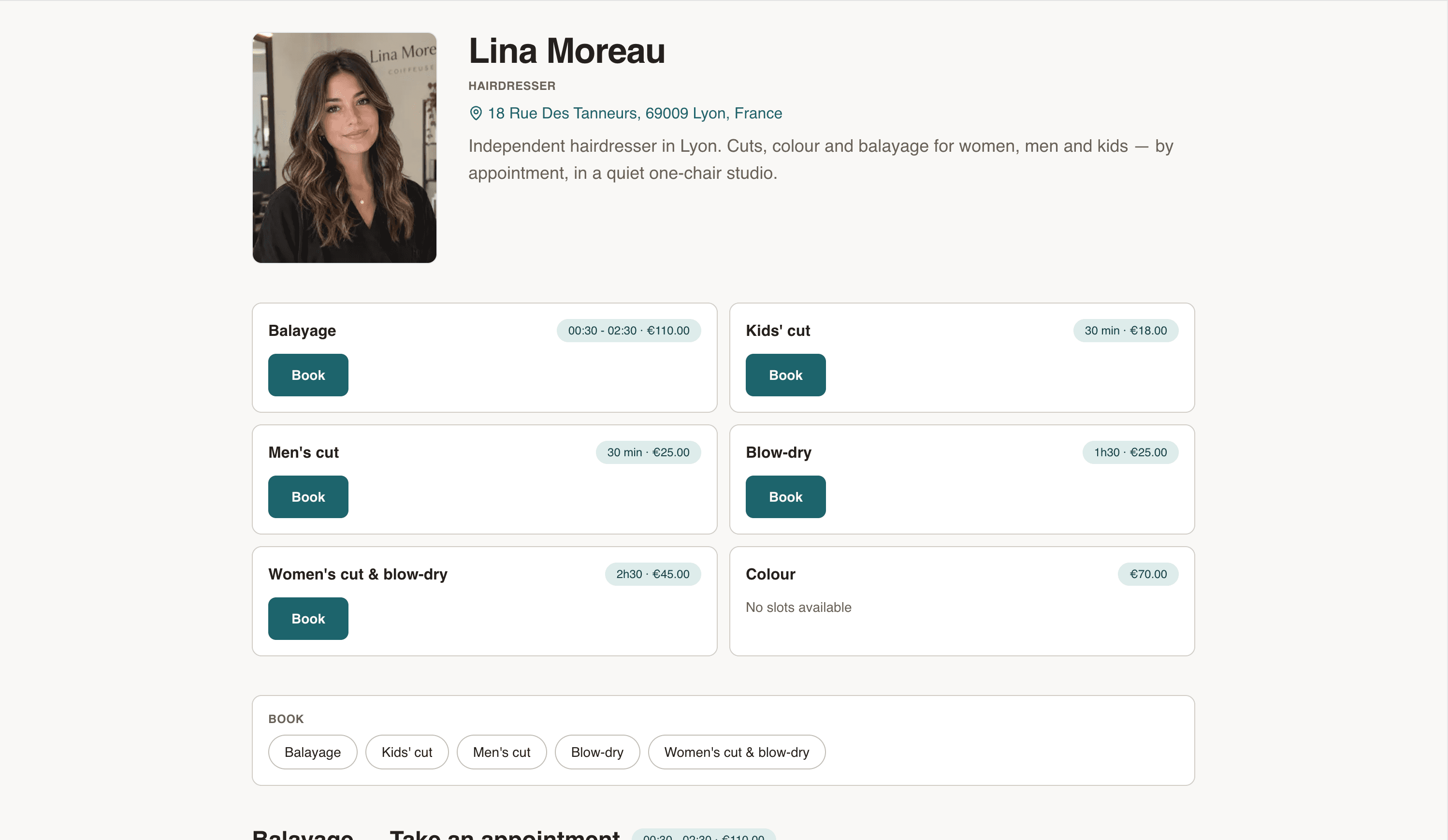
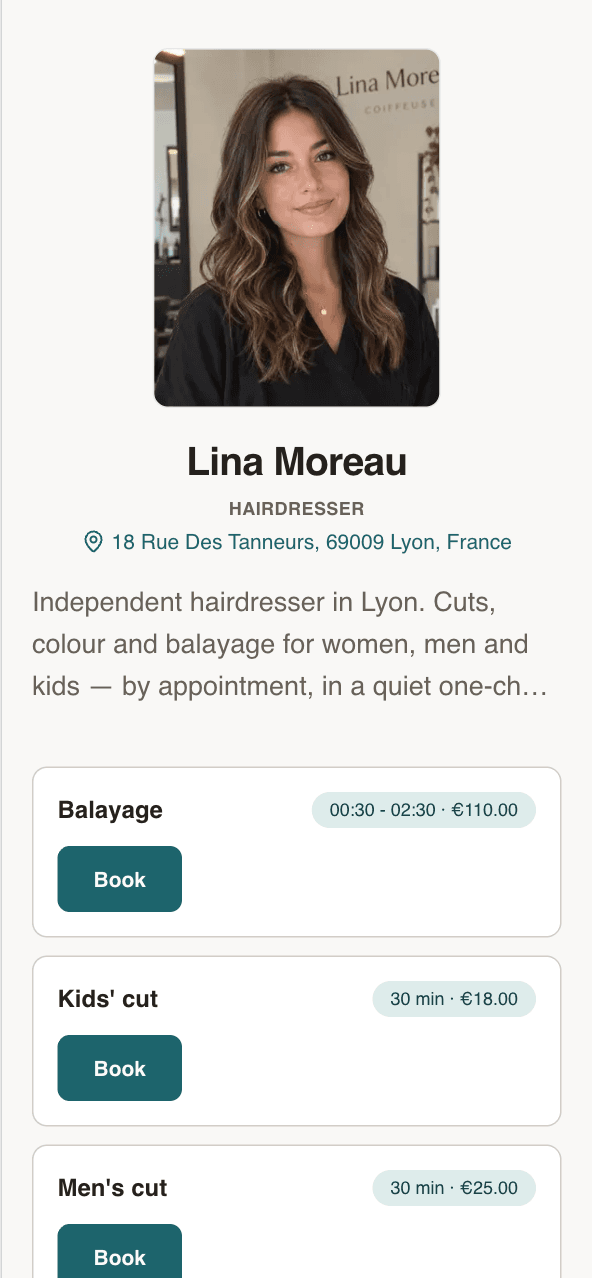
Your own booking page
Your name, your address, your services. Clients see the price before they book.
- Every service with its price and duration
- Next free slots, right on the page
- Works on any phone. No app to install.
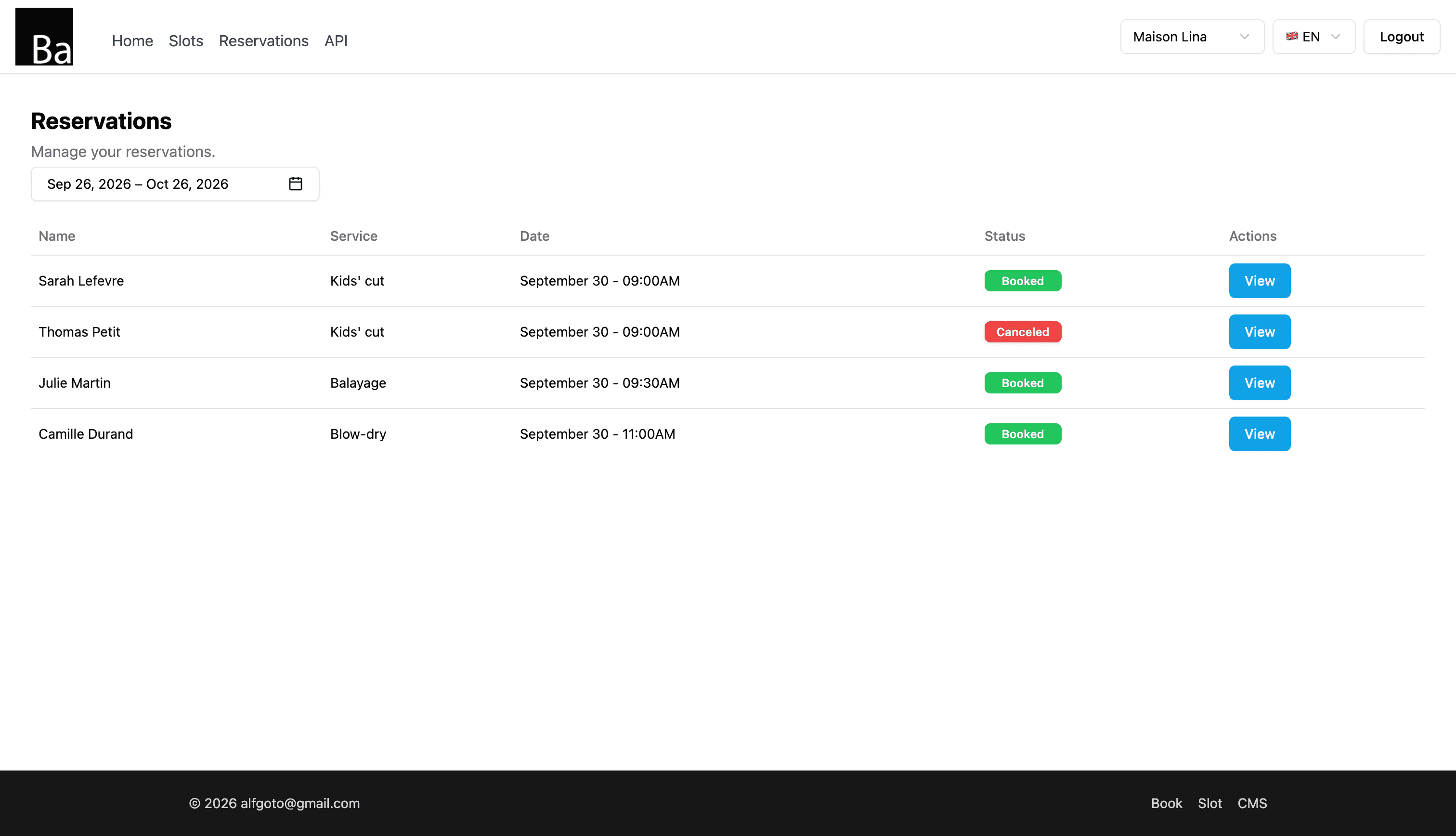
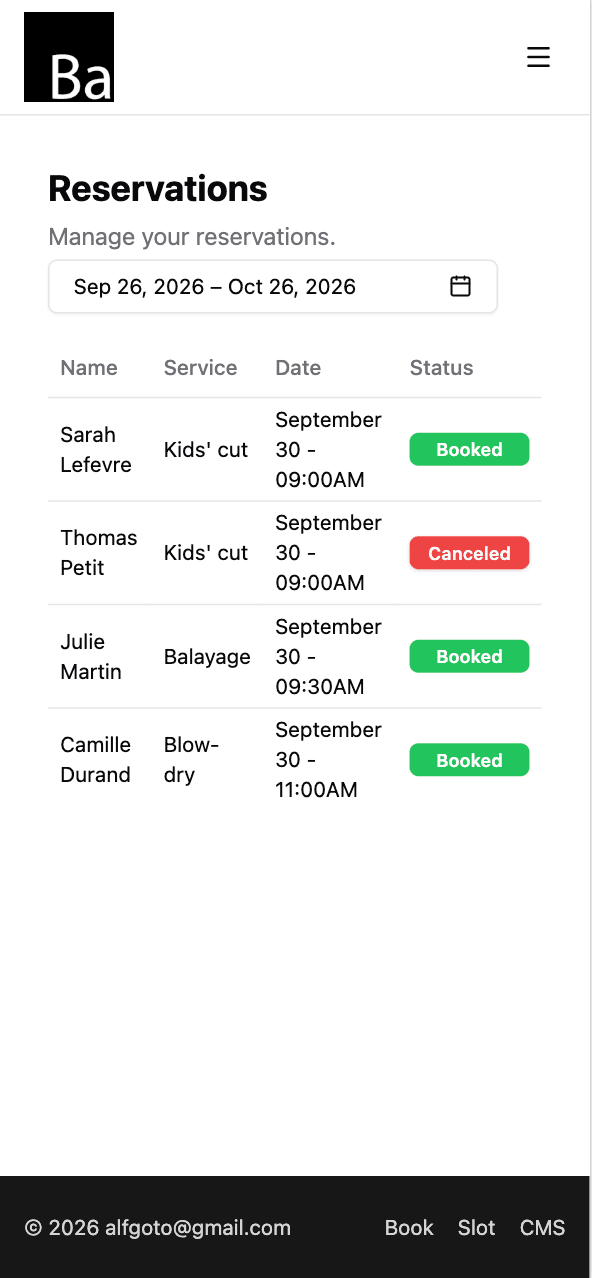
Every booking in one list
Who, which service, what time. Open one to move it or cancel it.
- Reschedule or cancel in two taps
- Add walk-ins and phone bookings yourself
- Syncs with Google Calendar, iPhone and Mac
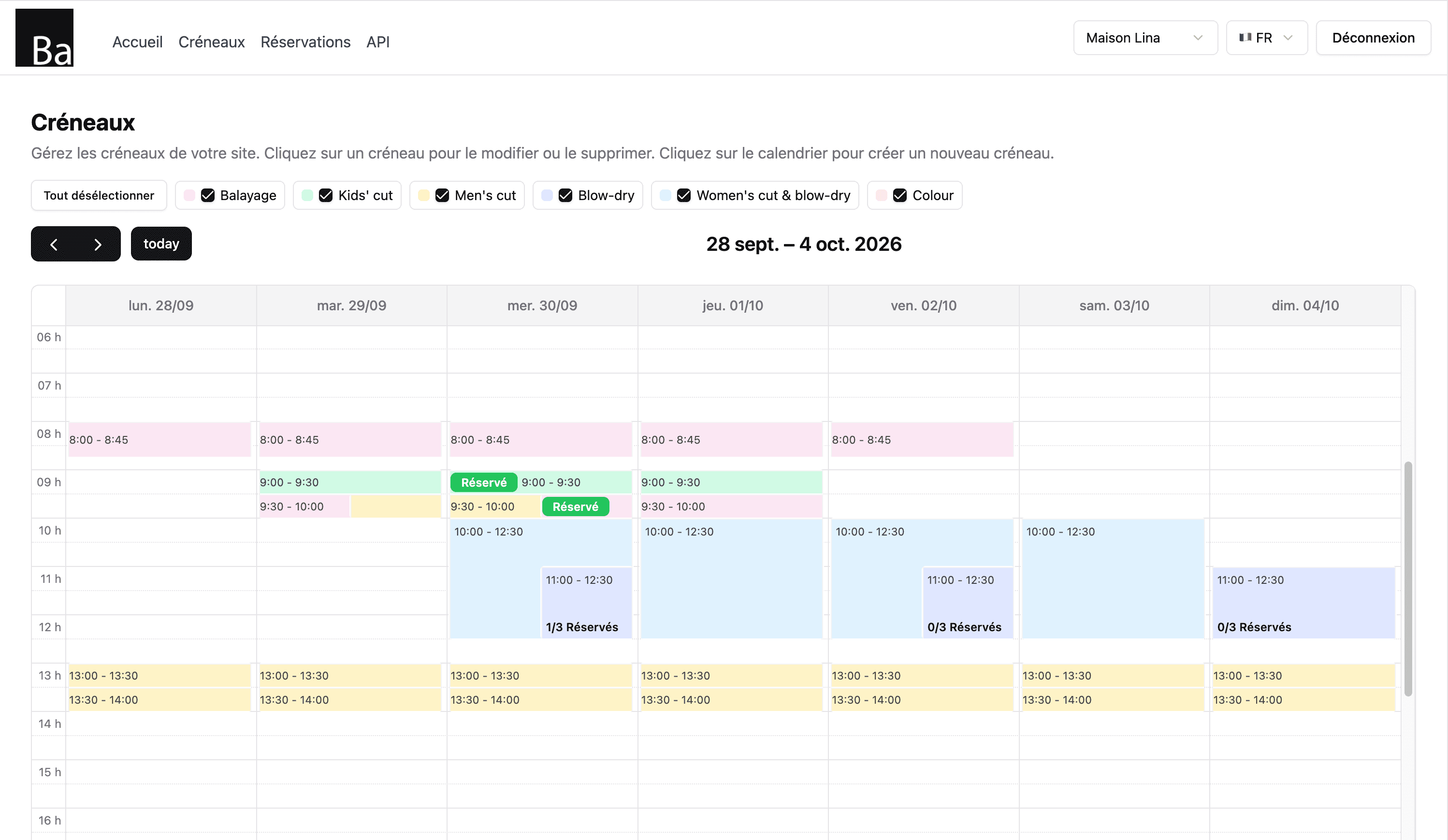
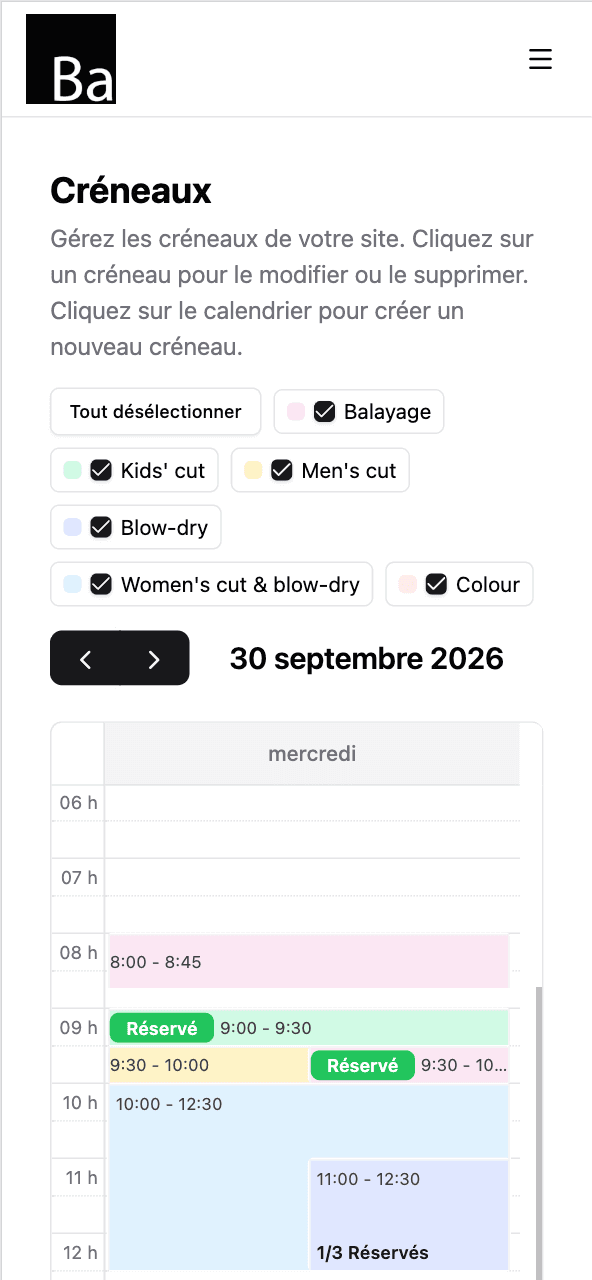
Set your hours once
Tap the calendar to open a slot. Repeat it every day you work. Done for the month.
- Repeat slots by day of the week
- One colour per service
- Day off? Delete the slots. That's it.
Up and running tonight
- 1
Sign up and pay €5.
Email, password, card. Two minutes.
- 2
Add your services and hours.
First kinesiology session, Follow-up session, Child session — each with a price and a duration. Then open your slots.
- 3
Share your link.
On Instagram, Google Maps, your shop window. Bookings start coming in.
Kinesiology booking software: what you set up
Book gives you one public booking page with your session types, prices and free times. Clients book without creating an account. Setup takes an evening:
- Create your services: first session, follow-up, children, students, video.
- Open slots at the length of each, repeated each week until an end date.
- Share your link on your website and social pages.
- Sync your calendar with Google, iPhone or Mac.
Spaced sessions
Book the next session from your bookings list at the interval you agree with the client. First and last name are enough; if you enter their email, they get a confirmation with a calendar file, so the date is already in their calendar.
Children and students
A parent books for a child in their own name, with the child's first name in the note. Before exam periods, open extra student sessions with an end date.
Video sessions
Book doesn't create video links: send yours by email after the booking.
Privacy
The booking form takes first name, last name, email and phone, plus an optional note that reaches you in the new booking email and appears in the client's calendar file. Ask clients to keep personal and health details for the session, and say that kinesiology doesn't replace medical care.
What Book doesn't do
Book takes bookings only: no payments, no reminders. Clients can't move or cancel online: they contact you, and you move the booking from your list. In a shared practice, create services per practitioner.
Price
€5/month, everything included: unlimited services and bookings, no commission, no contract.
One price. Everything in it.
€5/month
- Your own booking page
- Unlimited bookings
- Unlimited services
- Calendar sync — Google, iPhone, Mac
- Confirmation email for every client
No commission. No contract. Just a fair price from day one.
Start for €5/monthQuestions kinesiologists ask
Can I book the next session weeks ahead?
Can parents book for a child?
Can I offer video sessions?
Do clients need an account?
Can clients pay online?
How much does Book cost?
Guides for kinesiologists
- Kinesiologists: explaining sessions on your booking pageHow kinesiologists can write service descriptions that explain a session before first-time clients book: what happens, length, what to wear, what it isn't.
- Kinesiologists: spacing sessions and booking the next oneHow kinesiologists can space sessions and book the next one before clients leave: agreed intervals, booking from the list, calendar files, gaps and changes.
Also for health professionals
- Acupuncturist
- Assistant clinical psychologist
- Audiologist
- Chiropractor
- Clinical psychologist
- Dental hygienist
- Dietitian
- General practitioner